Newton & Carter eagleNewton & CarterExplore the portfolio

Newton & Carter / Portfolio walkthroughs

The work,
in motion.

See the screens.
Explore the decisions behind them.

Short walkthroughs made from actual captured project screens. Each has a static poster, a timed visual description and a link to the case study. Playback starts only when you choose; playing another walkthrough pauses the previous one.

Start a conversation

9 seconds · Captured screens

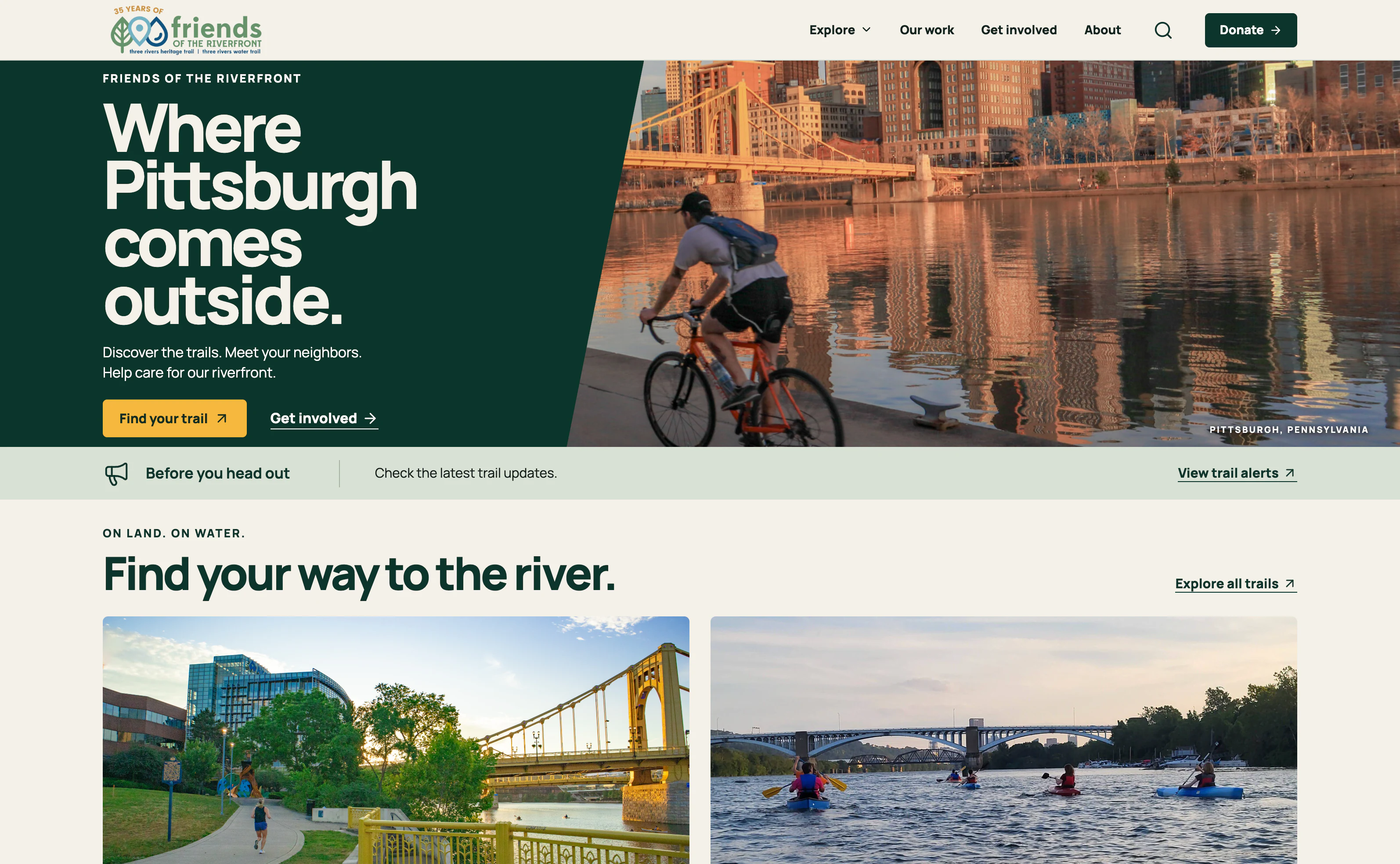
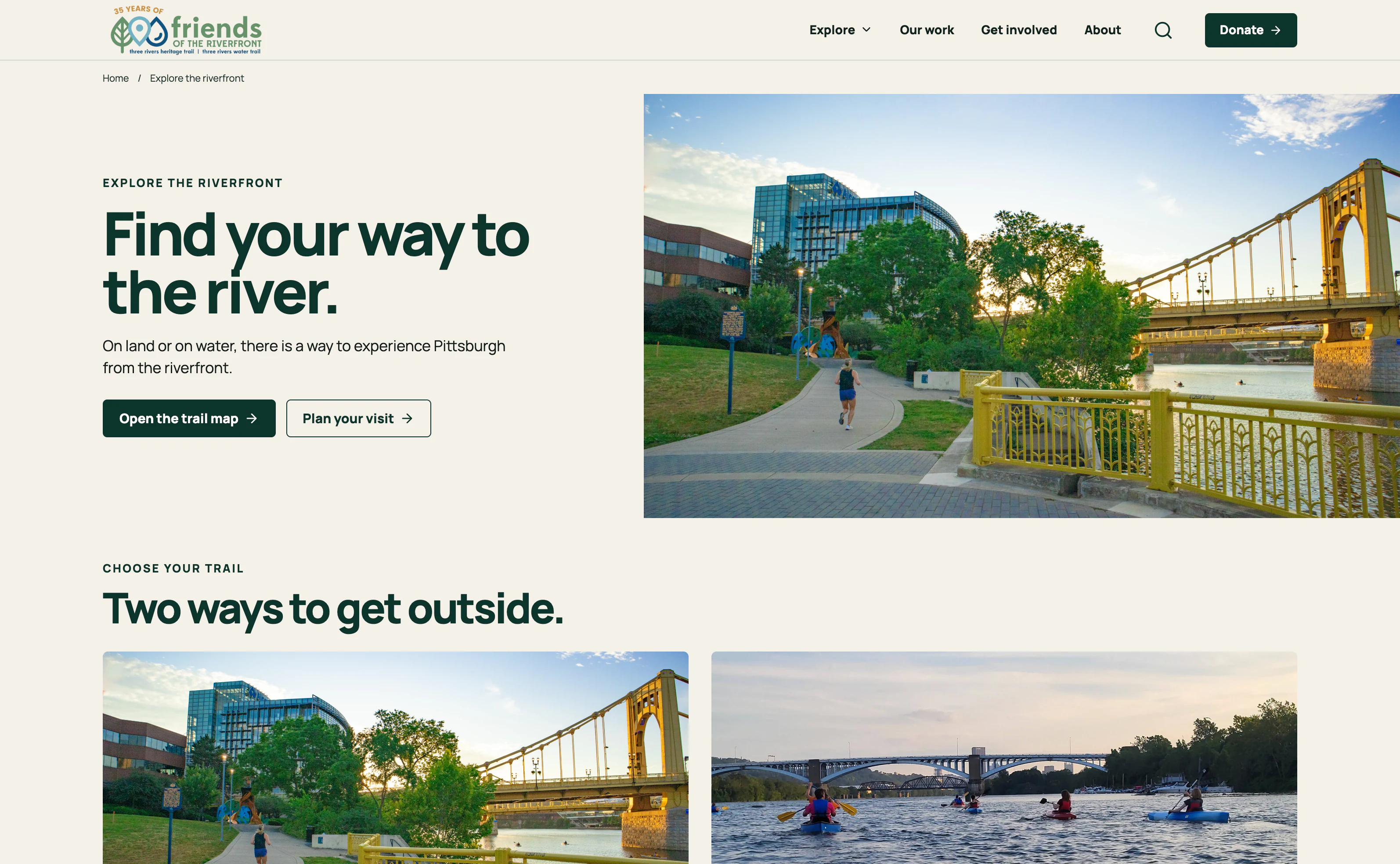
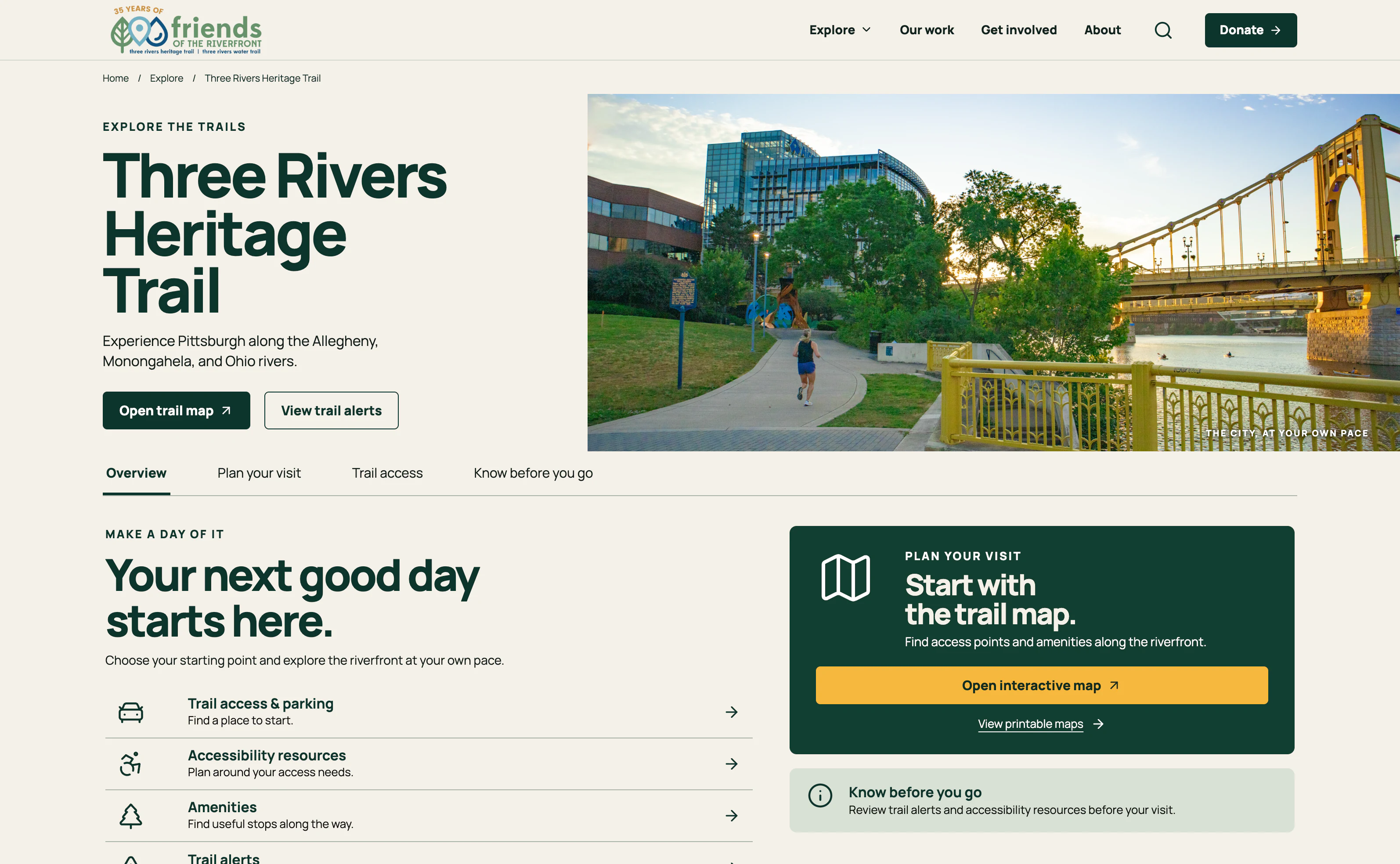
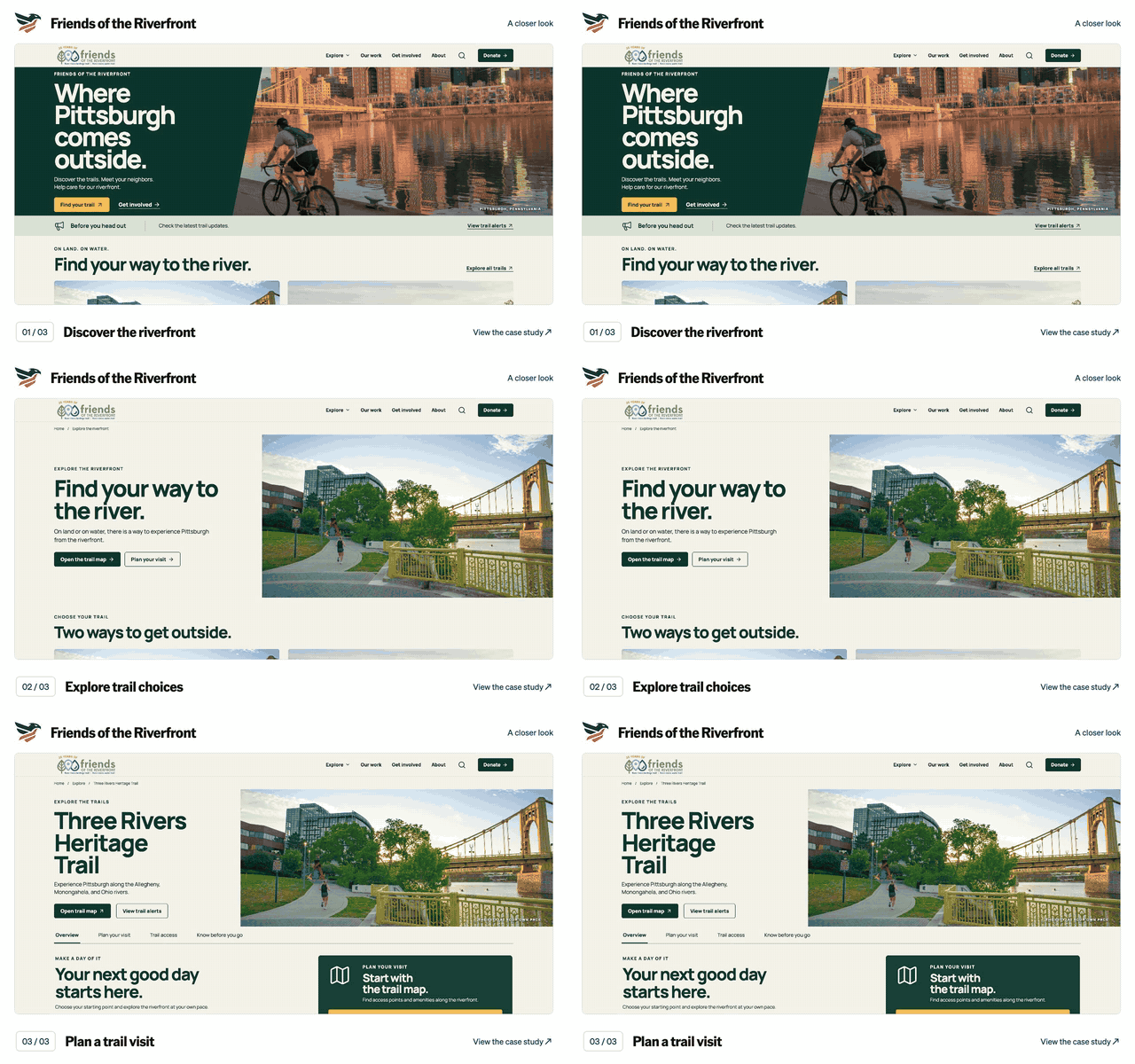
Friends of the Riverfront

Explore the case study

Friends of the Riverfront screen walkthrough. Discover the riverfront. Explore trail choices. Plan a trail visit. Silent sequence of captured application screens; the text below describes each view.

Silent video, with no speech or music. English visual descriptions are available in the player and below.

Read the timed visual description
  1. 0:00–0:03 · Discover the riverfront

    View the captured screen for this step
  2. 0:03–0:06 · Explore trail choices

    View the captured screen for this step
  3. 0:06–0:09 · Plan a trail visit

    View the captured screen for this step

9 seconds · Captured screens

ClerkSite

Explore the case study

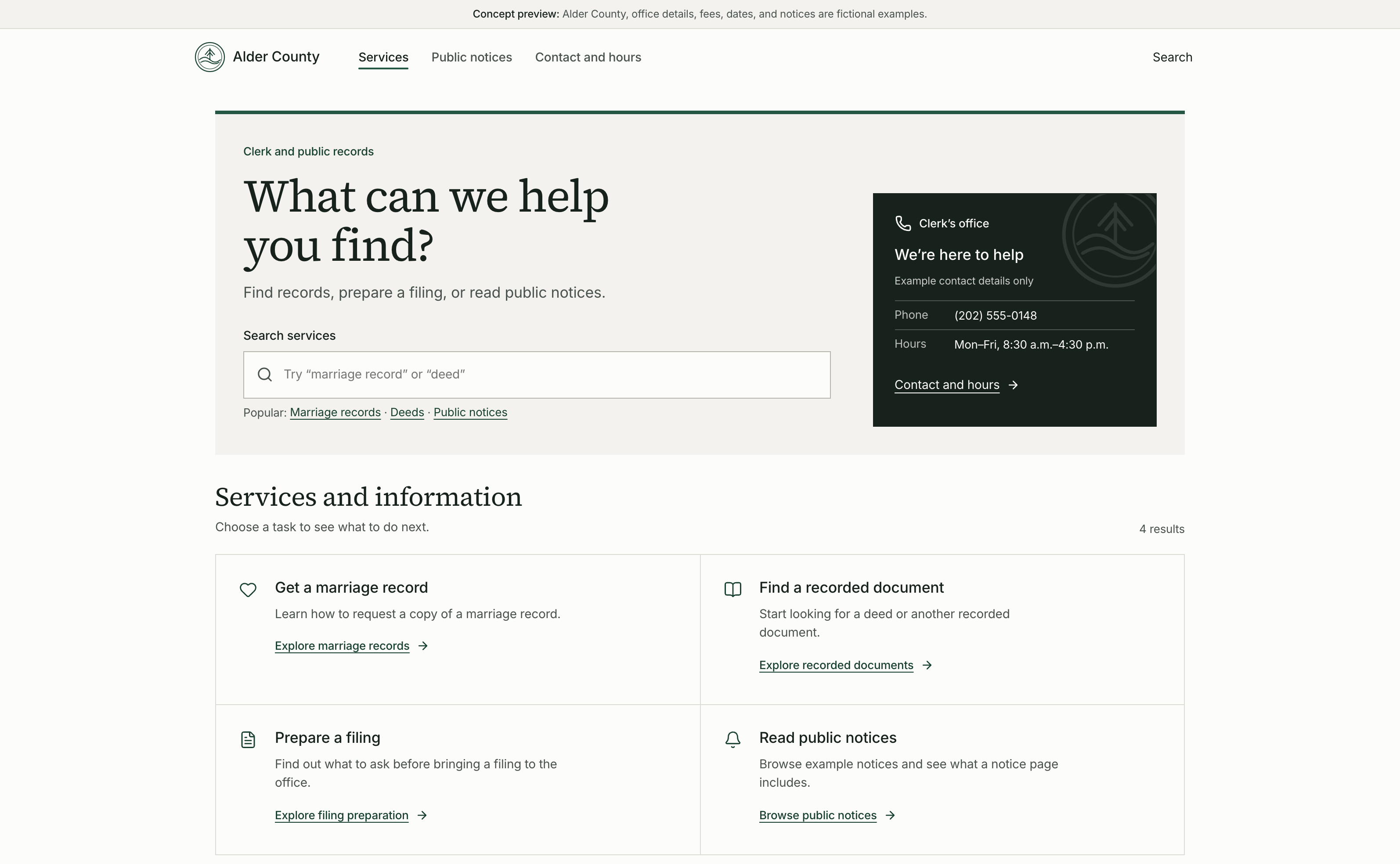
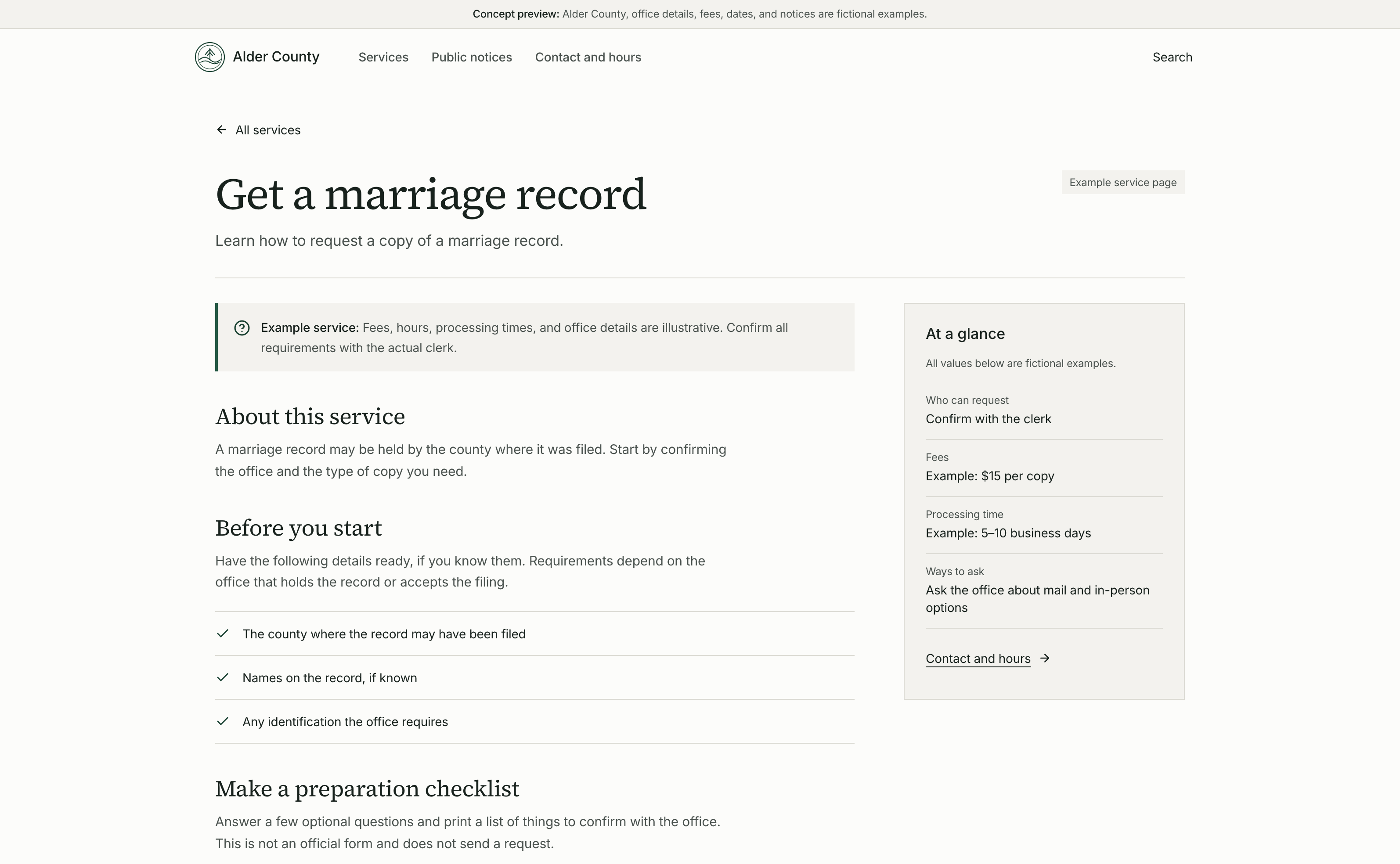
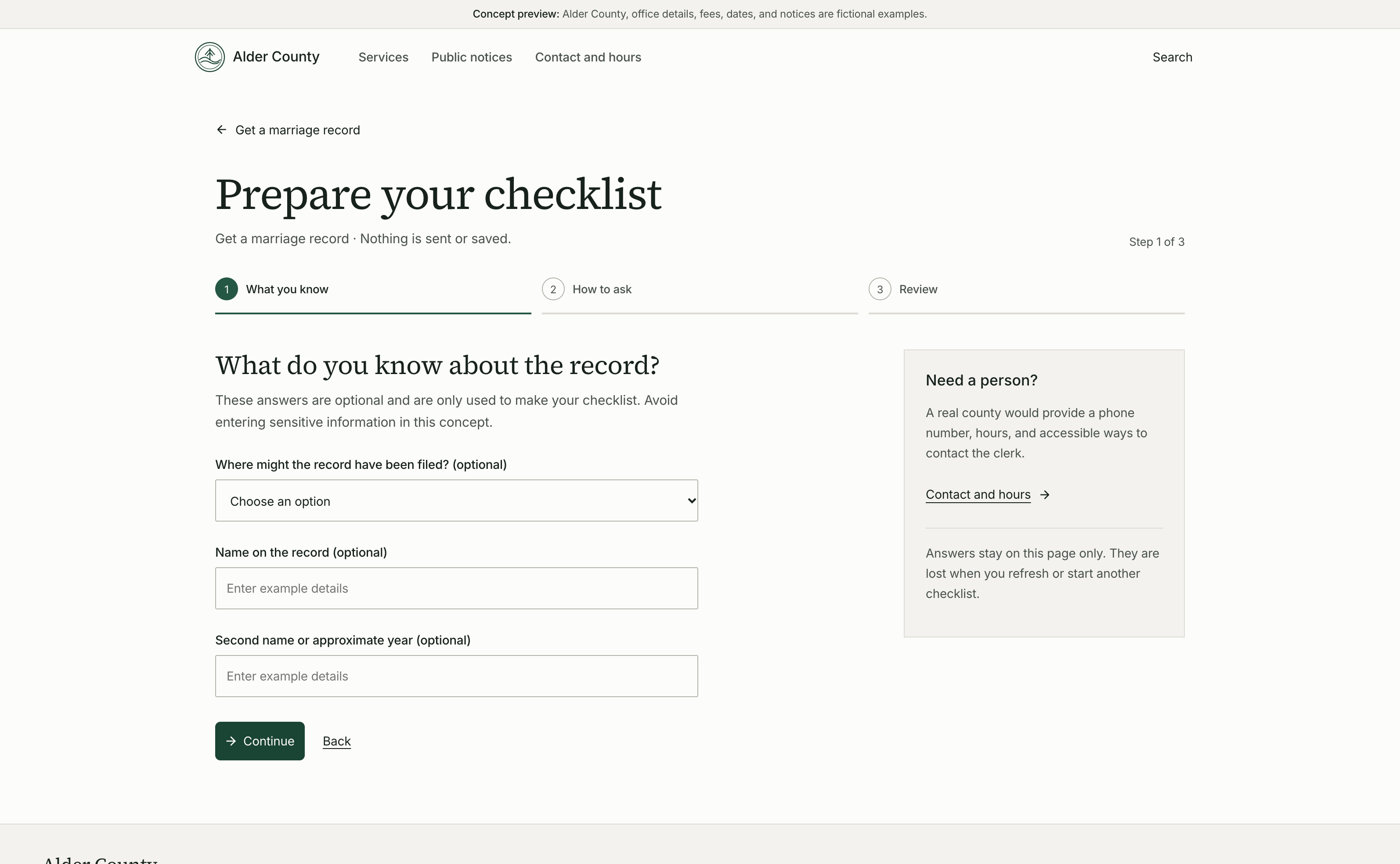
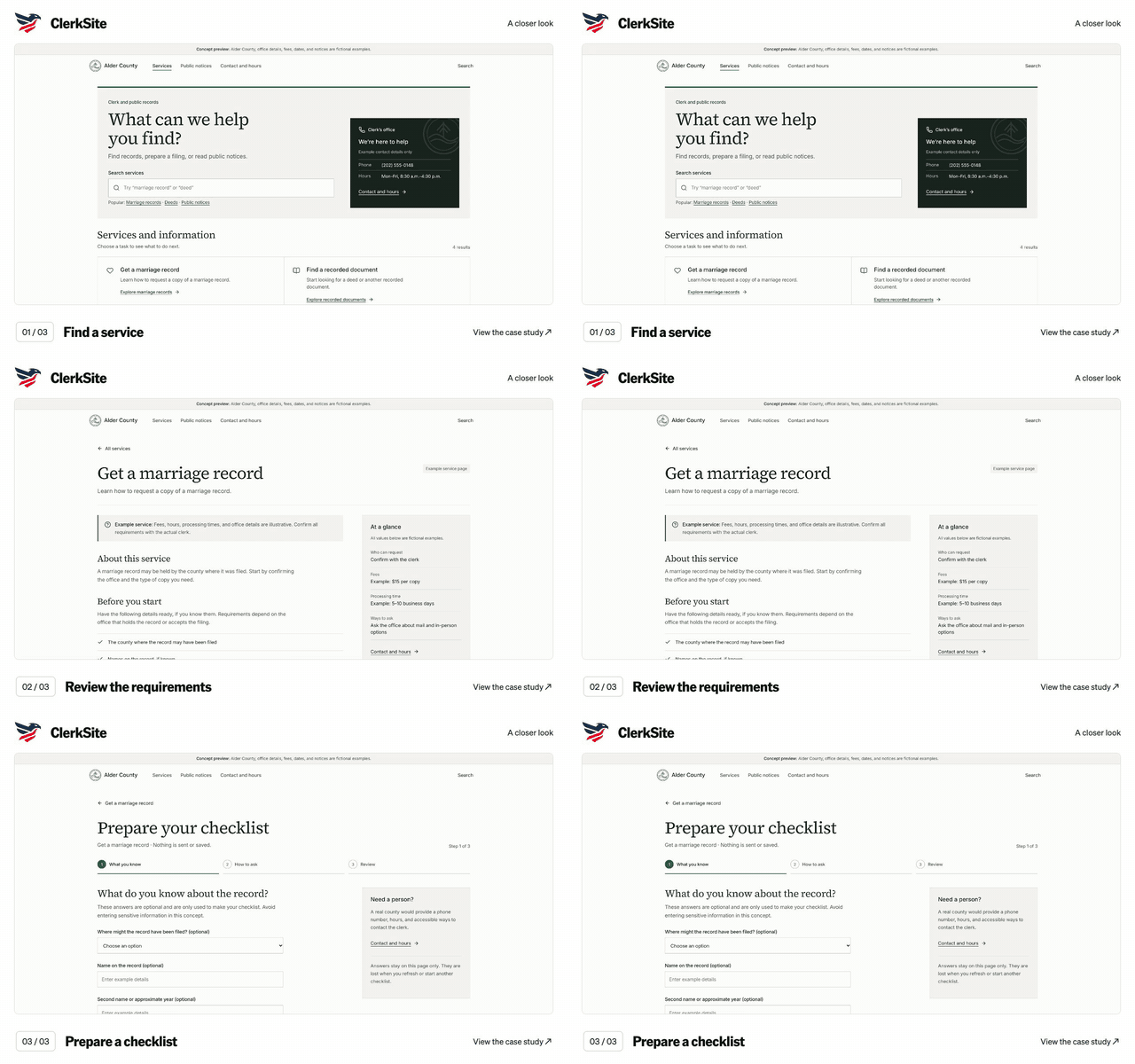
ClerkSite screen walkthrough. Find a service. Review the requirements. Prepare a checklist. Silent sequence of captured application screens; the text below describes each view.

Silent video, with no speech or music. English visual descriptions are available in the player and below.
Read the timed visual description
  1. 0:00–0:03 · Find a service

    View the captured screen for this step
  2. 0:03–0:06 · Review the requirements

    View the captured screen for this step
  3. 0:06–0:09 · Prepare a checklist

    View the captured screen for this step

9 seconds · Captured screens

Meridian

Explore the case study

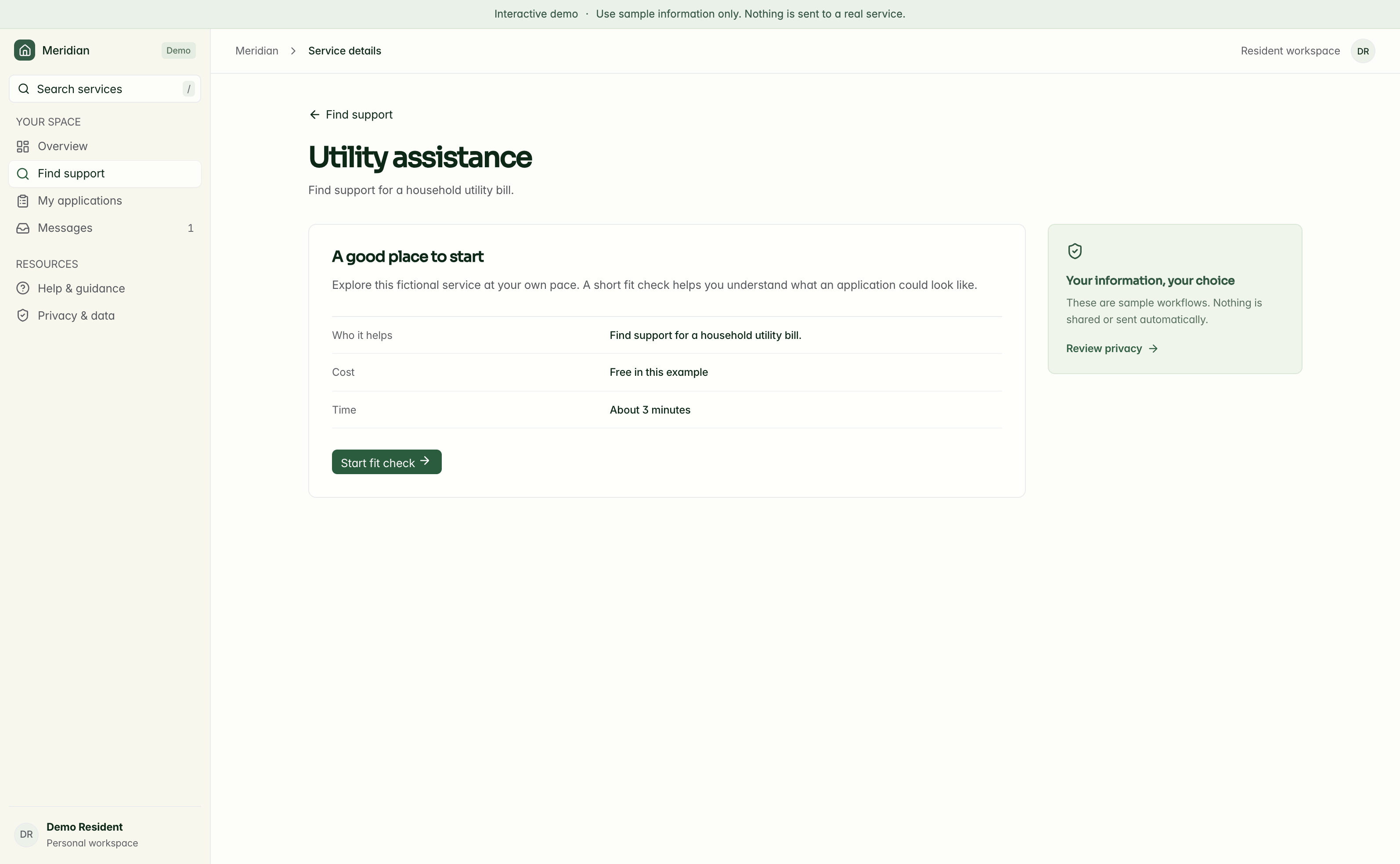
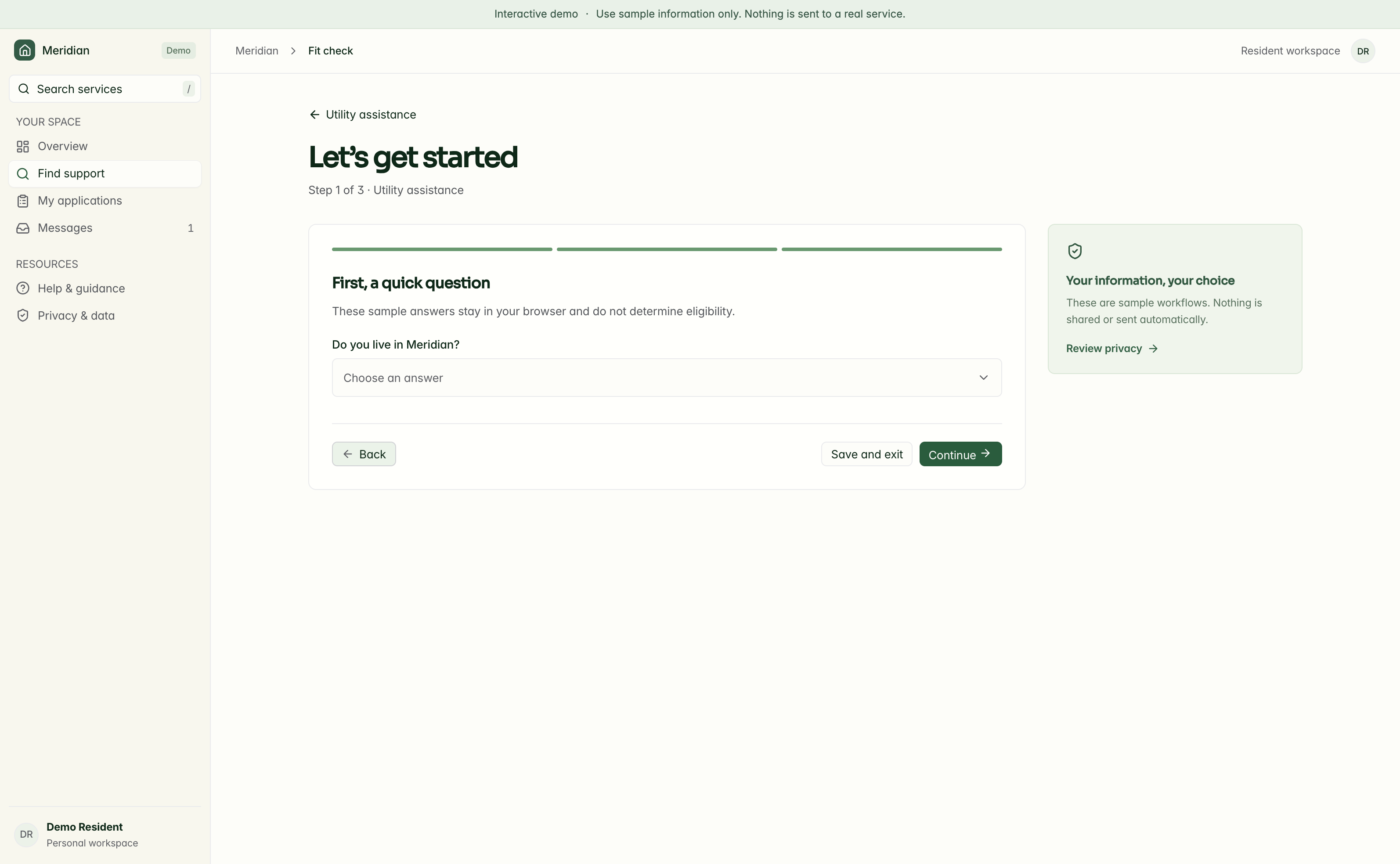
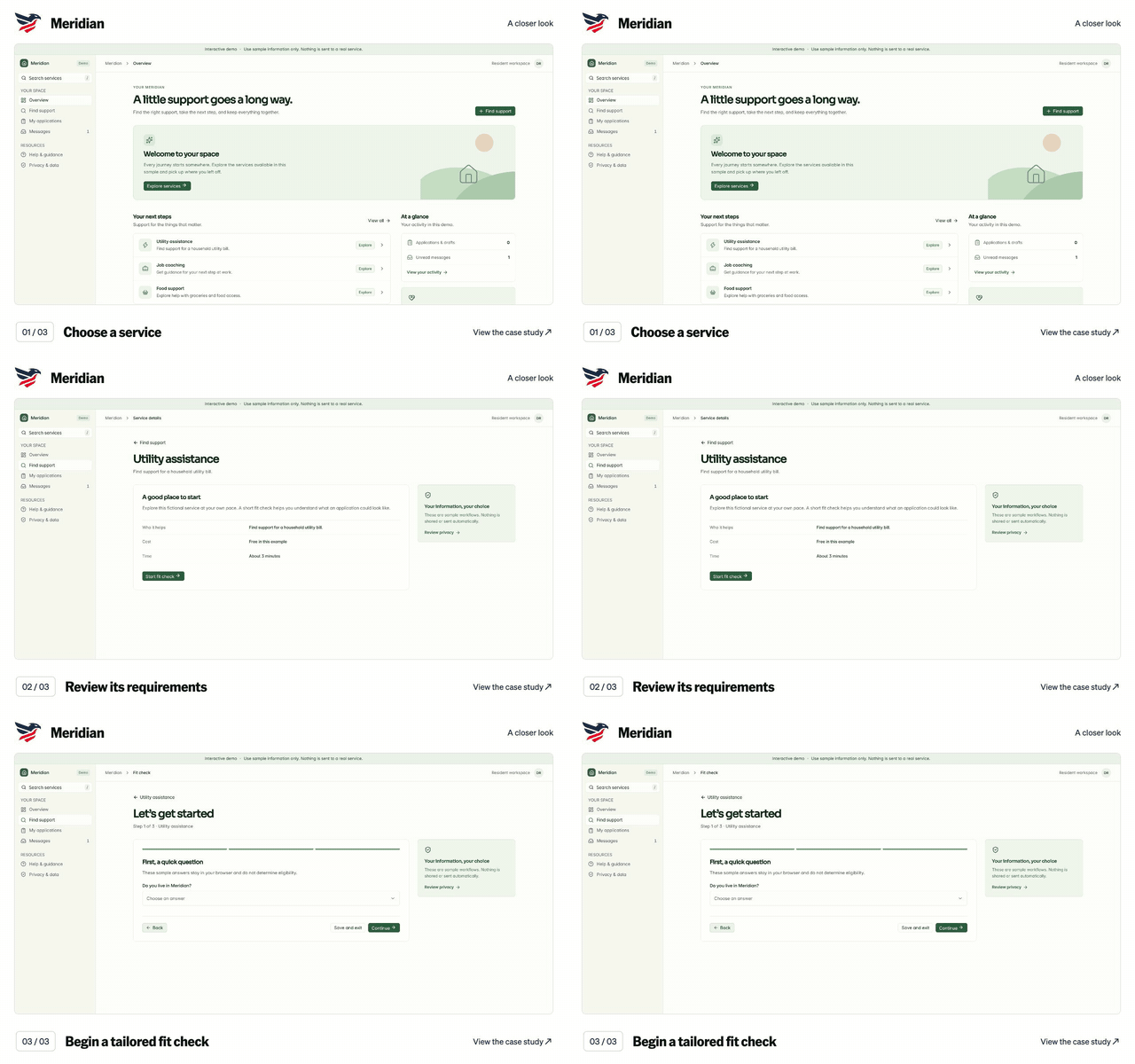
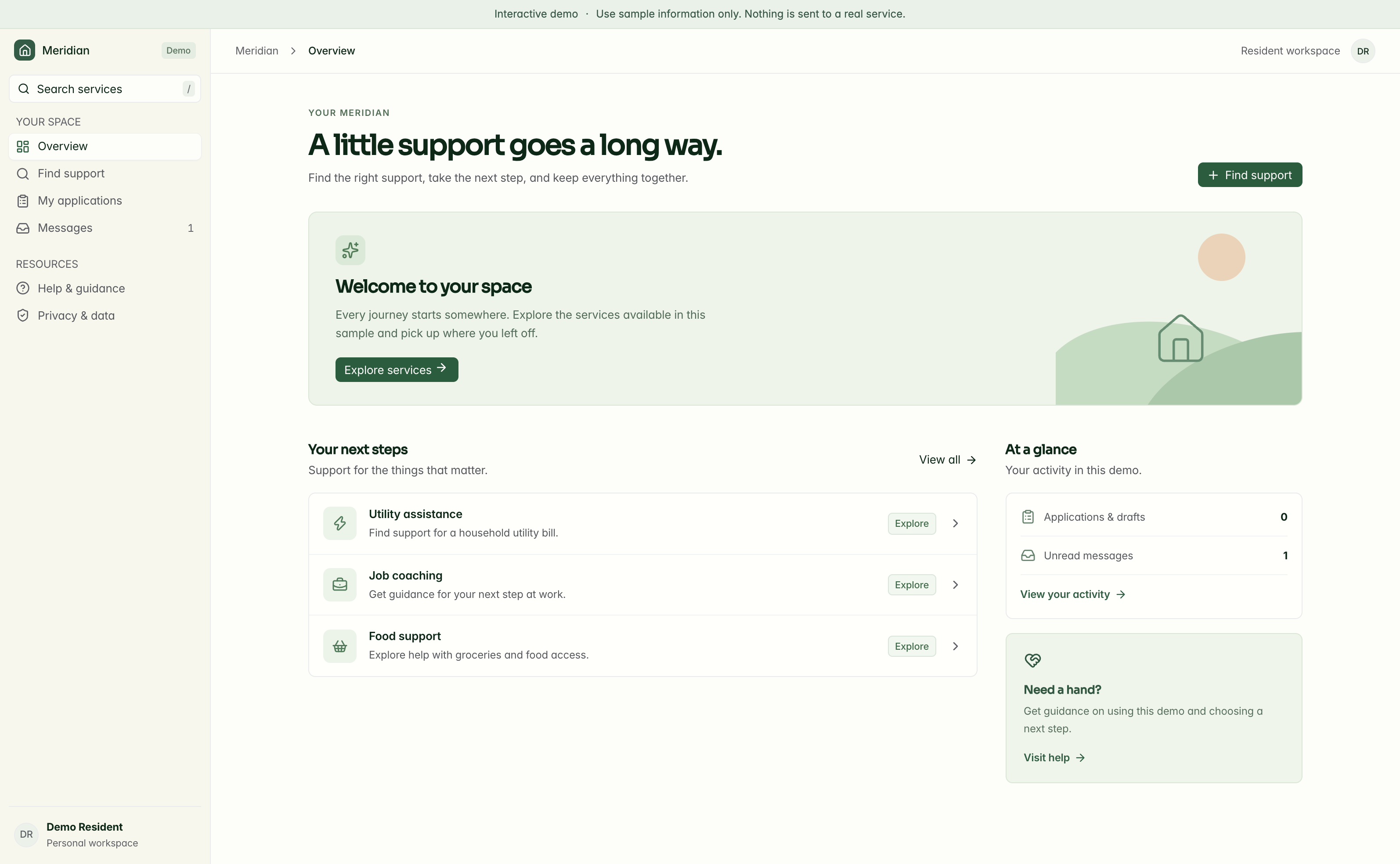
Meridian screen walkthrough. Choose a service. Review its requirements. Begin a tailored fit check. Silent sequence of captured application screens; the text below describes each view.

Silent video, with no speech or music. English visual descriptions are available in the player and below.
Read the timed visual description
  1. 0:00–0:03 · Choose a service

    View the captured screen for this step
  2. 0:03–0:06 · Review its requirements

    View the captured screen for this step
  3. 0:06–0:09 · Begin a tailored fit check

    View the captured screen for this step

9 seconds · Captured screens

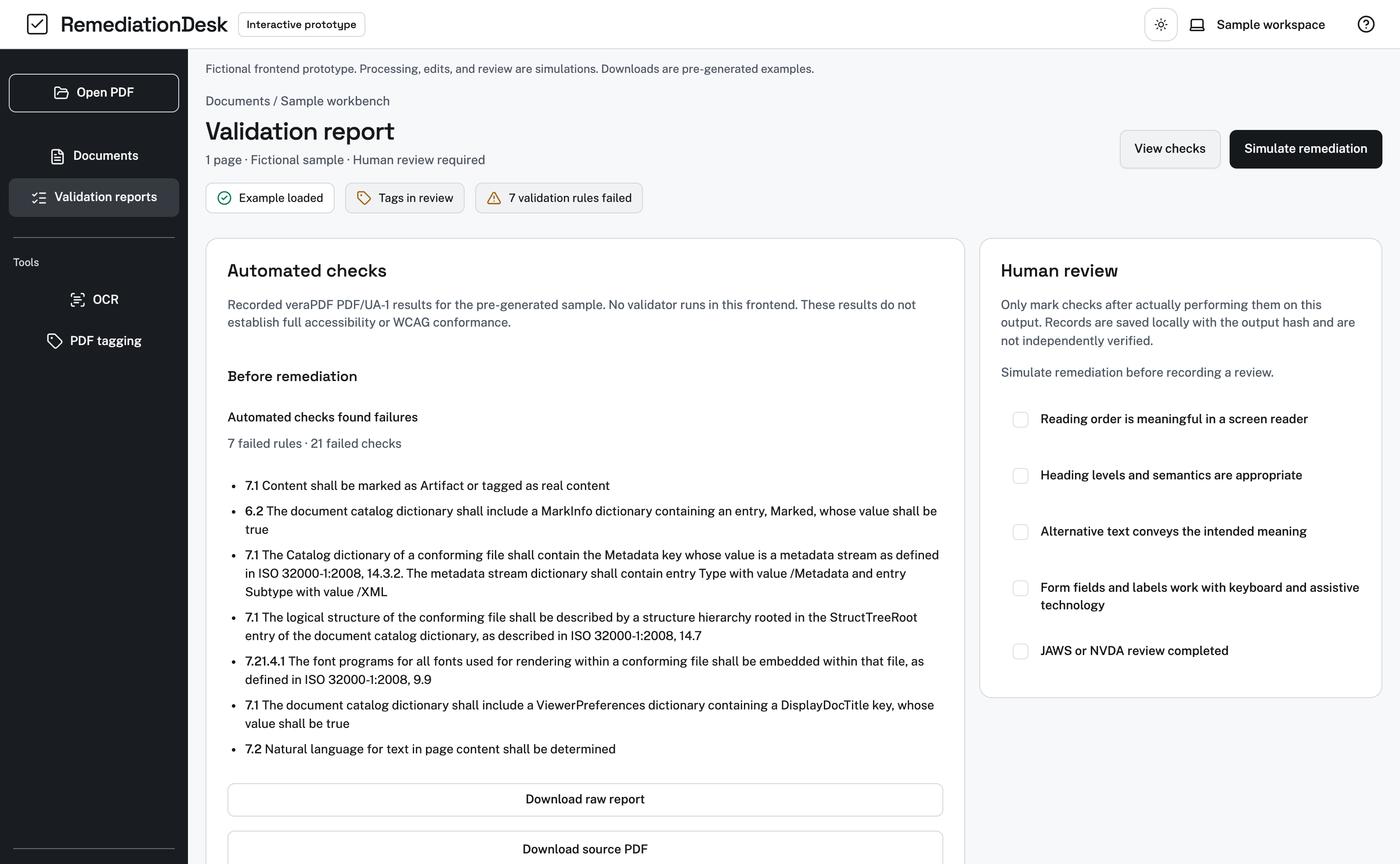
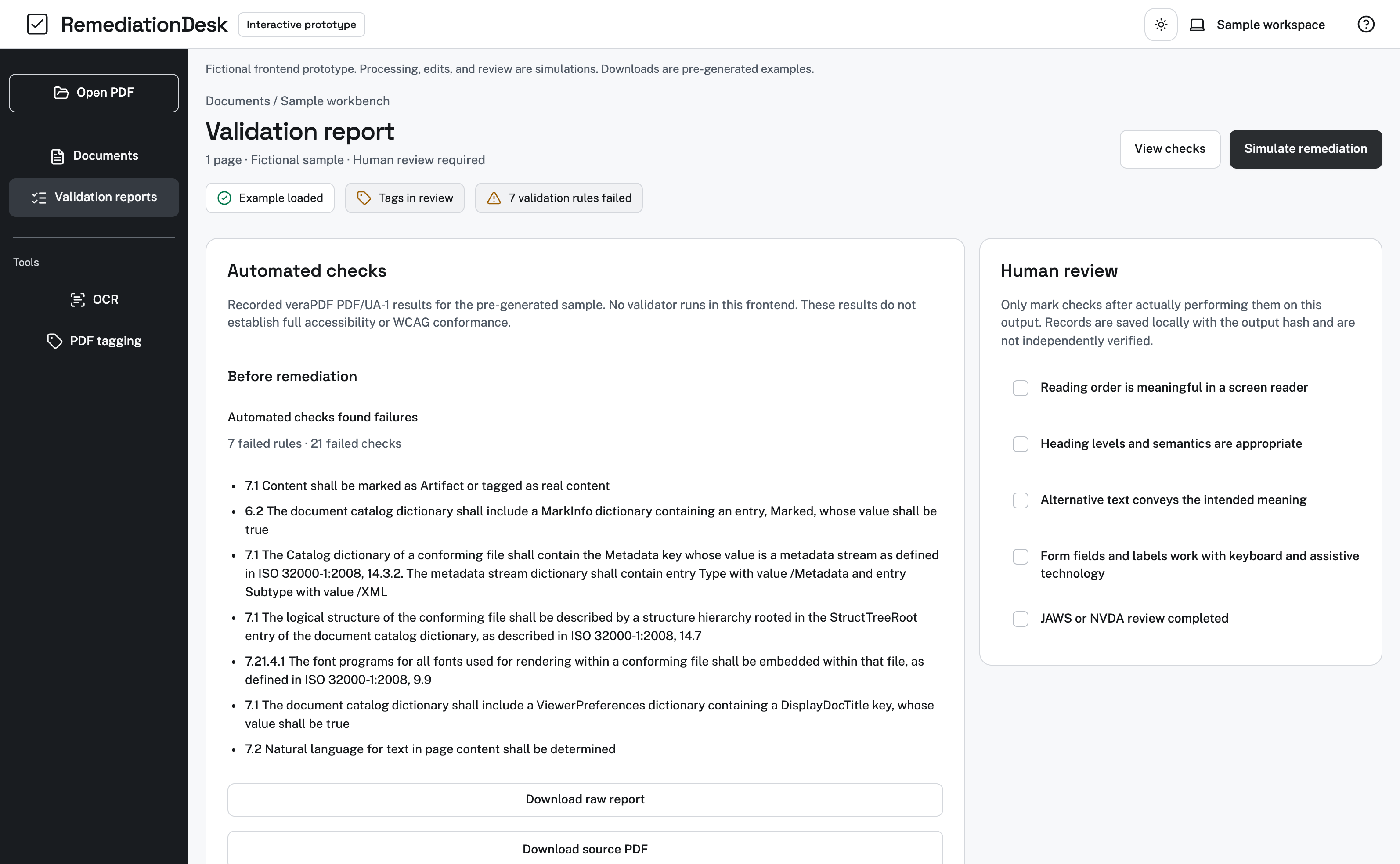
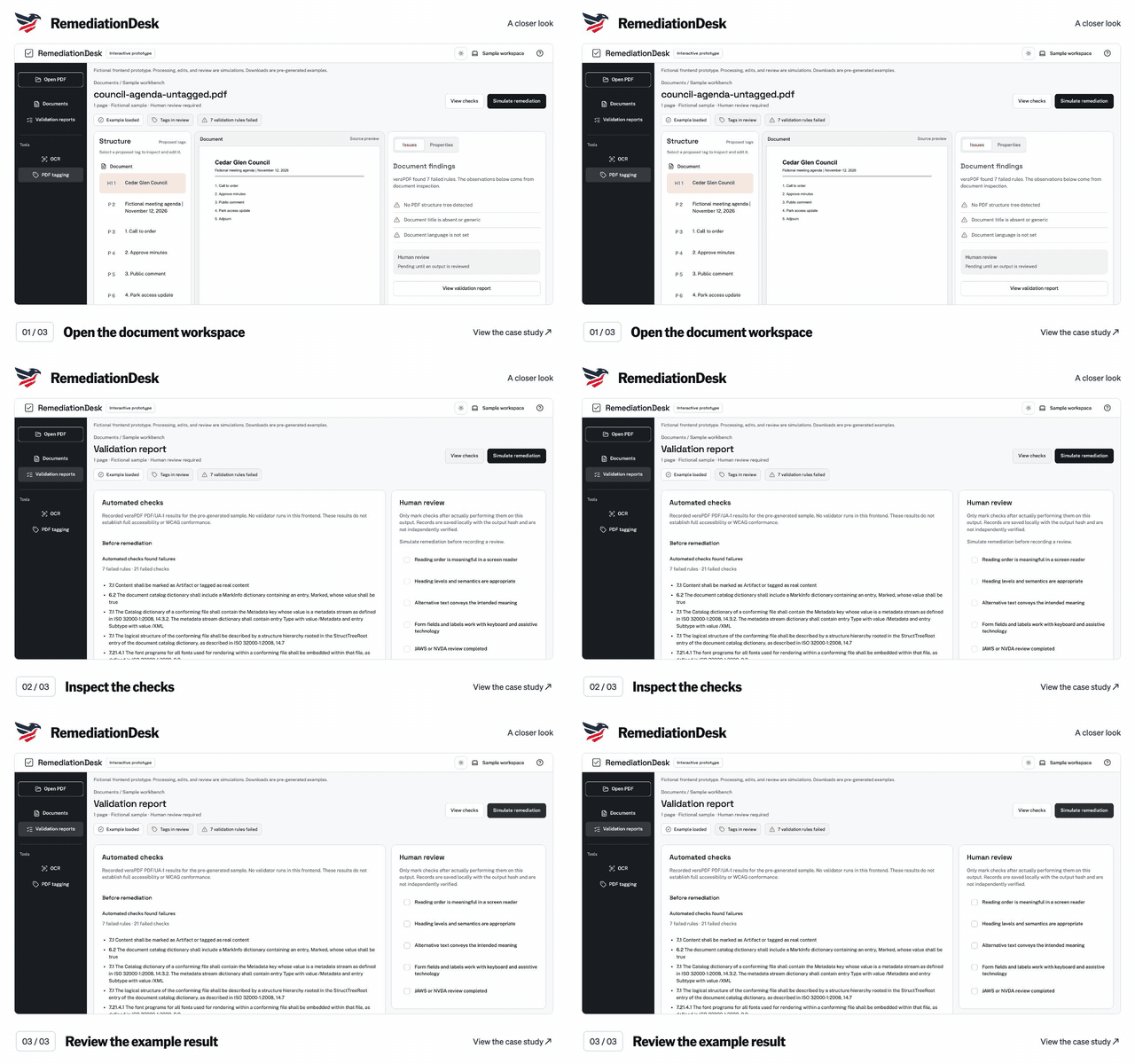
RemediationDesk

Explore the case study

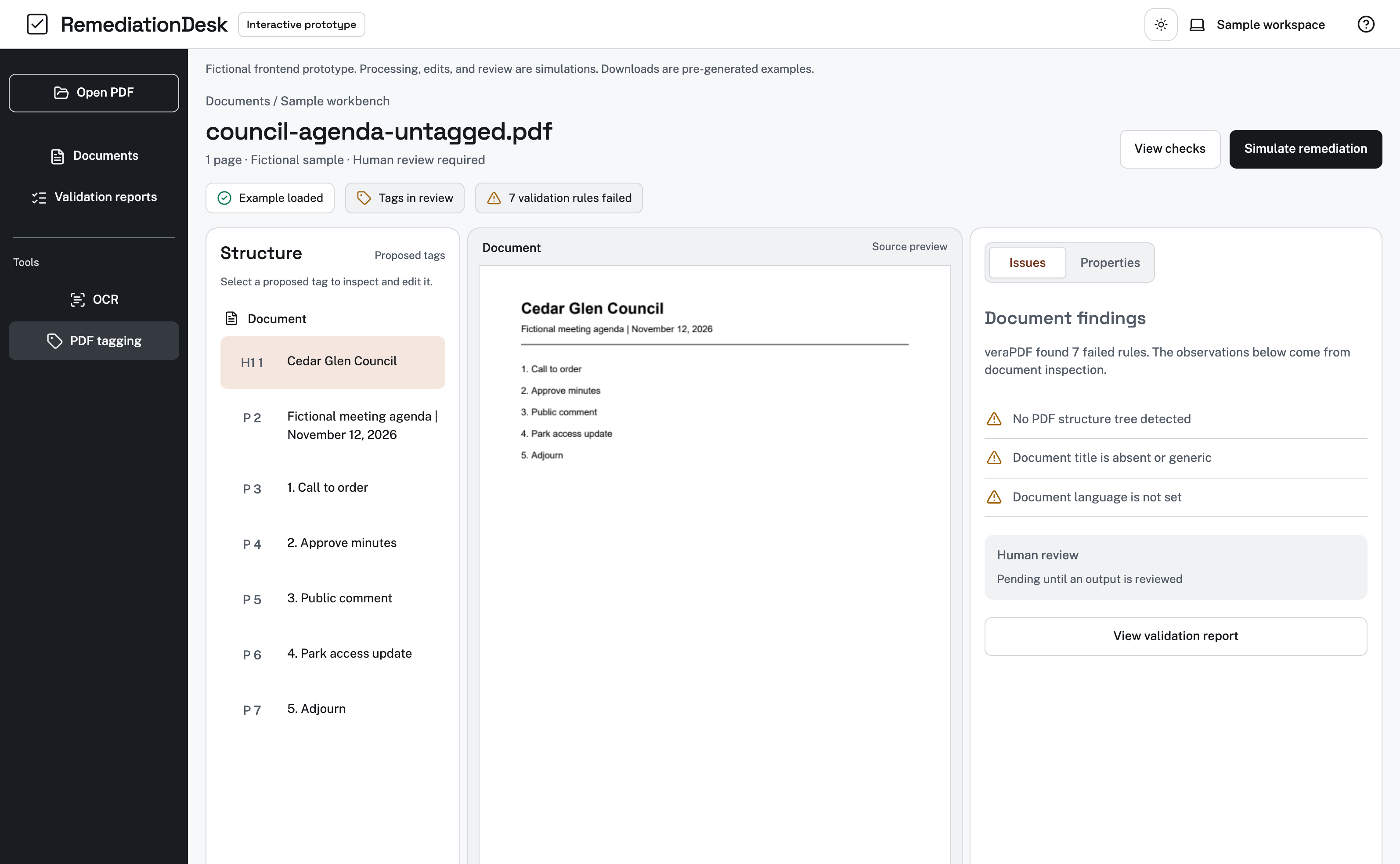
RemediationDesk screen walkthrough. Open the document workspace. Inspect the checks. Review the example result. Silent sequence of captured application screens; the text below describes each view.

Silent video, with no speech or music. English visual descriptions are available in the player and below.
Read the timed visual description
  1. 0:00–0:03 · Open the document workspace

    View the captured screen for this step
  2. 0:03–0:06 · Inspect the checks

    View the captured screen for this step
  3. 0:06–0:09 · Review the example result

    View the captured screen for this step

9 seconds · Captured screens

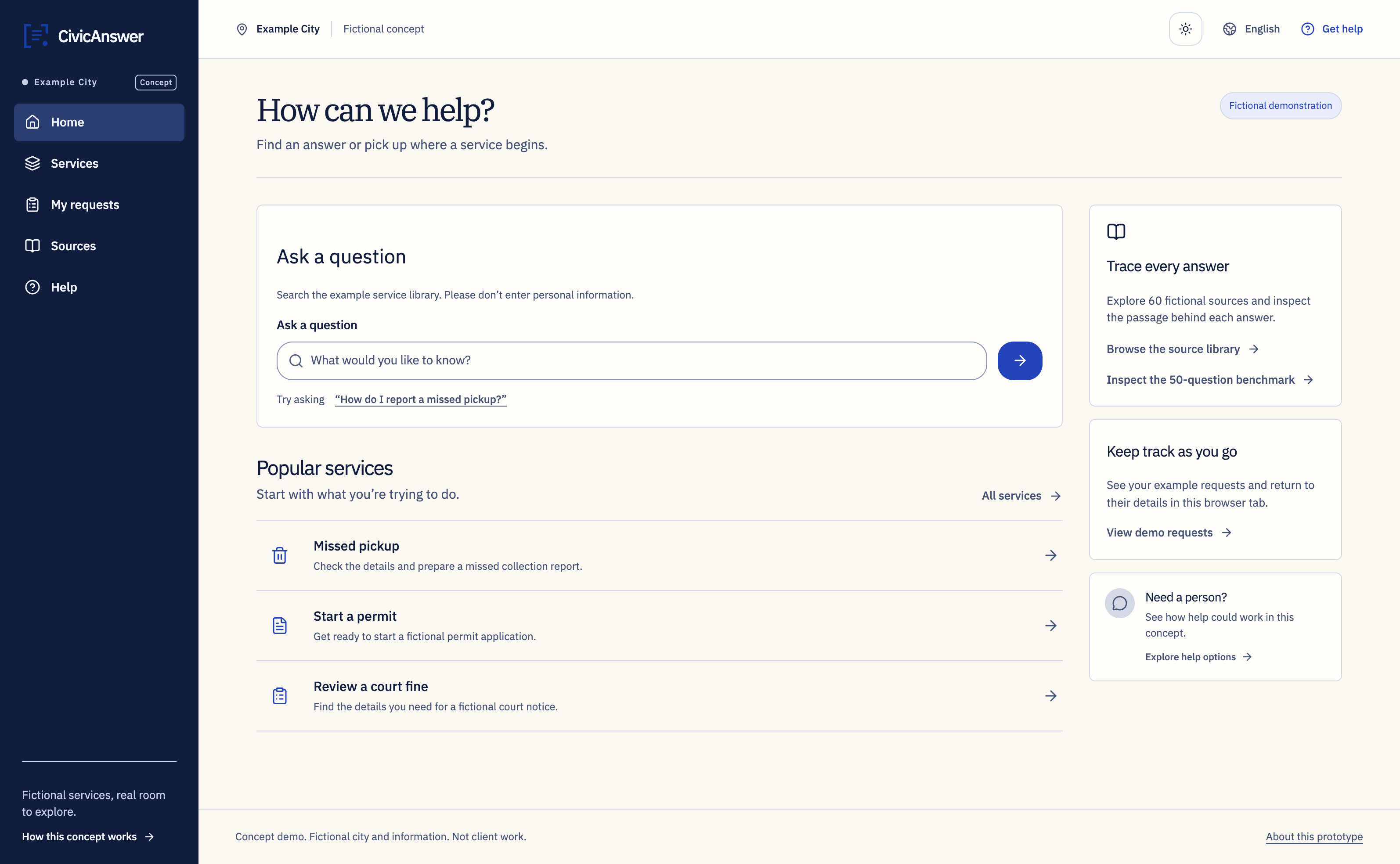
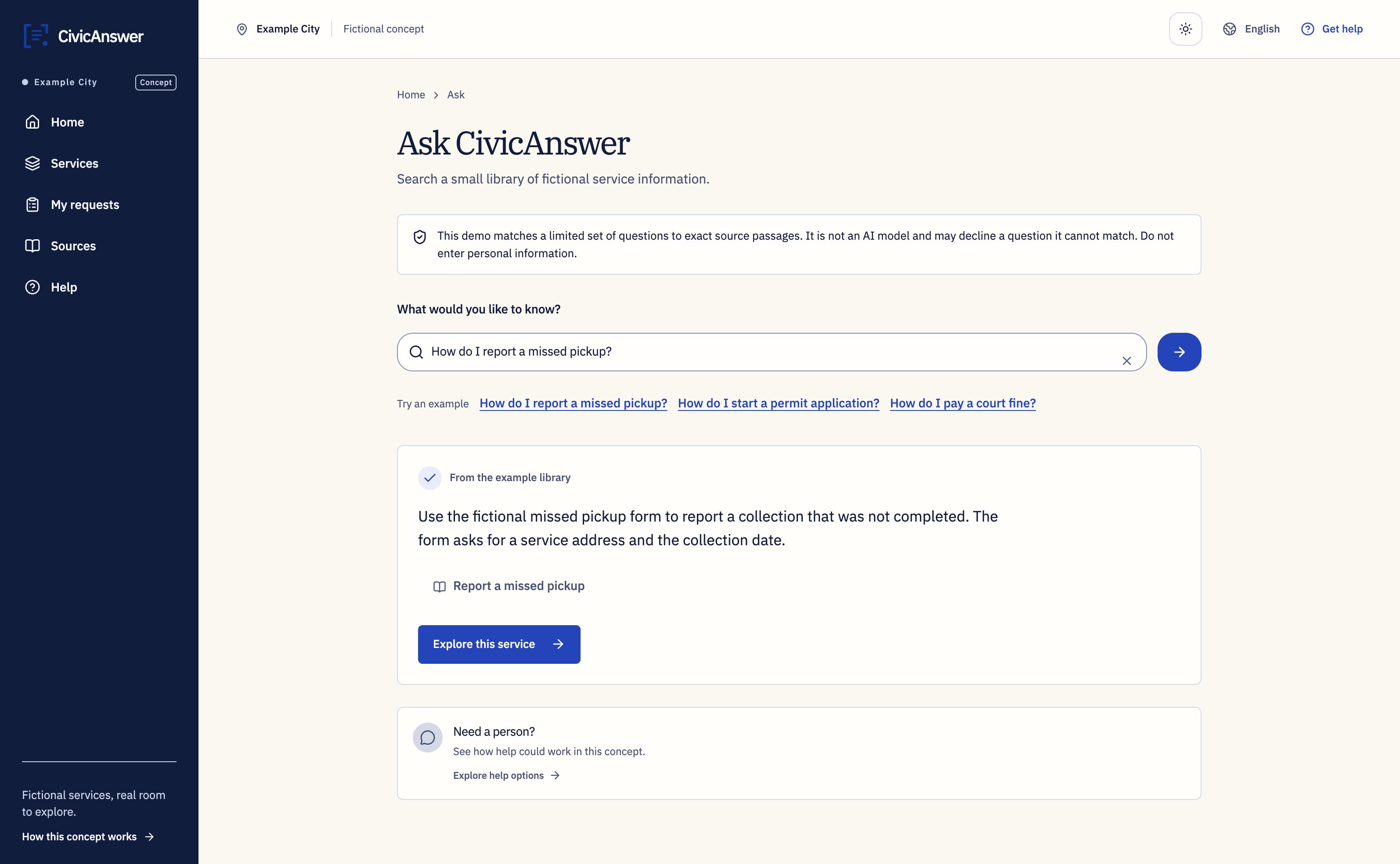
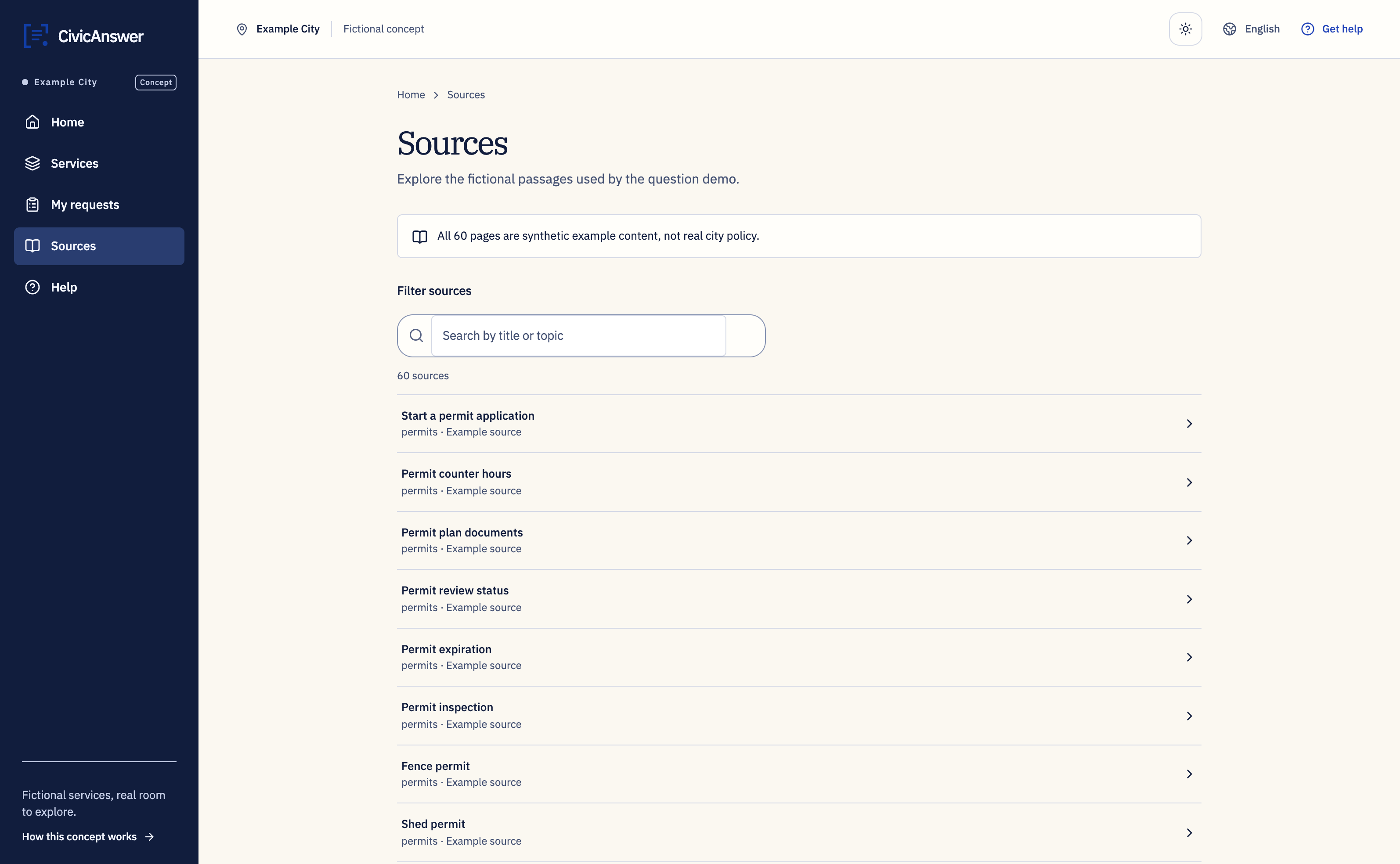
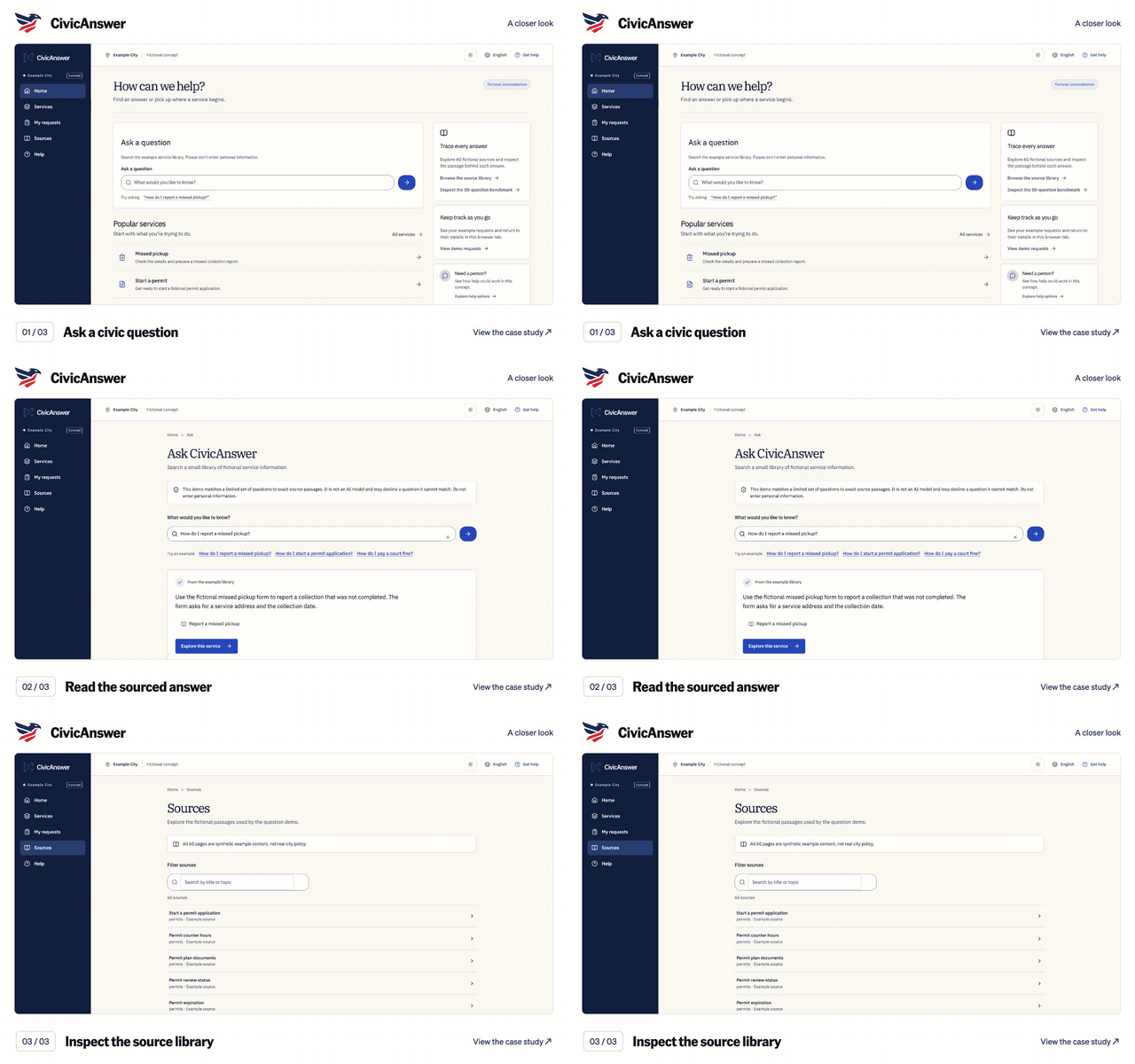
CivicAnswer

Explore the case study

CivicAnswer screen walkthrough. Ask a civic question. Read the sourced answer. Inspect the source library. Silent sequence of captured application screens; the text below describes each view.

Silent video, with no speech or music. English visual descriptions are available in the player and below.
Read the timed visual description
  1. 0:00–0:03 · Ask a civic question

    View the captured screen for this step
  2. 0:03–0:06 · Read the sourced answer

    View the captured screen for this step
  3. 0:06–0:09 · Inspect the source library

    View the captured screen for this step

9 seconds · Captured screens

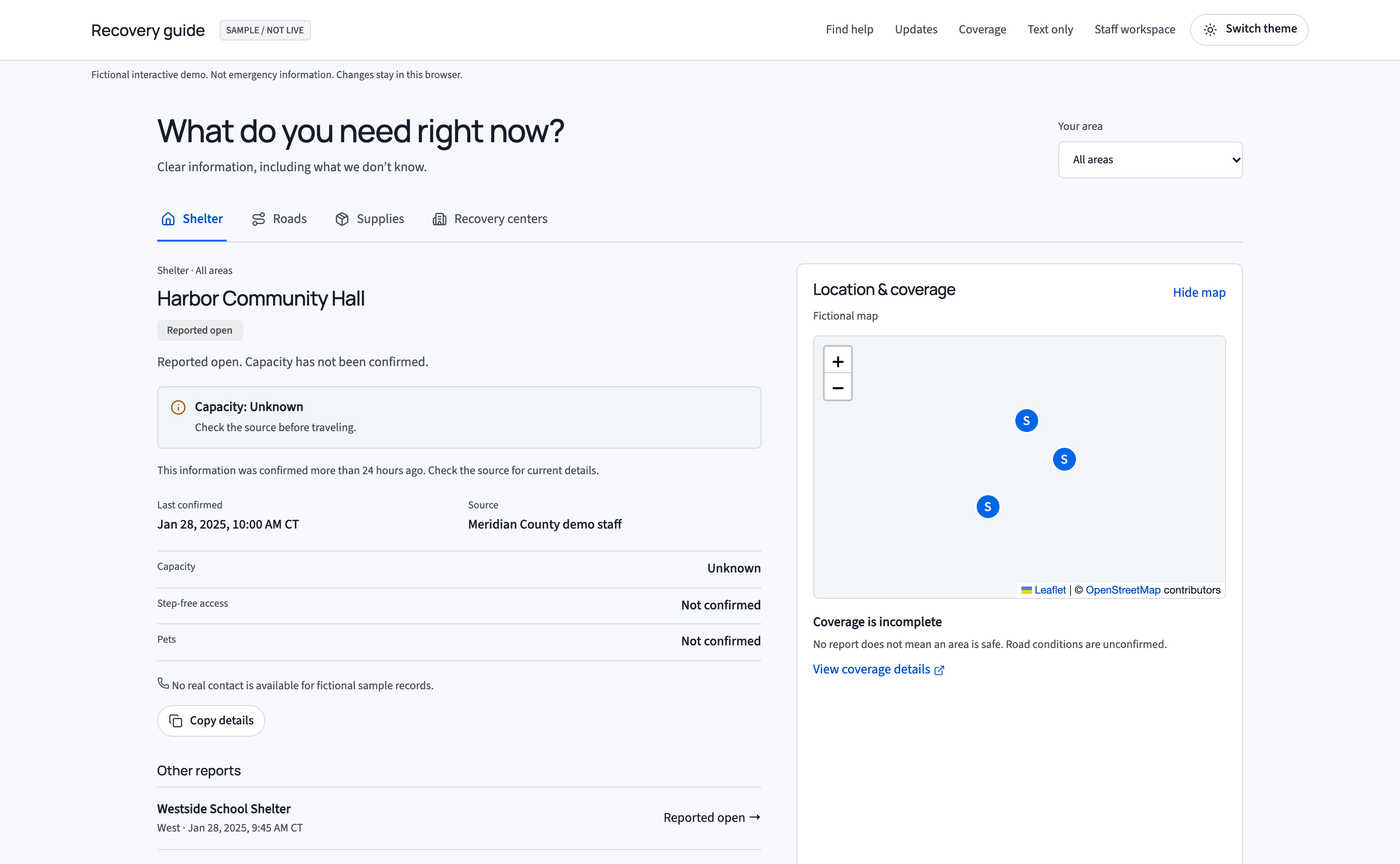
ResilienceBoard

Explore the case study

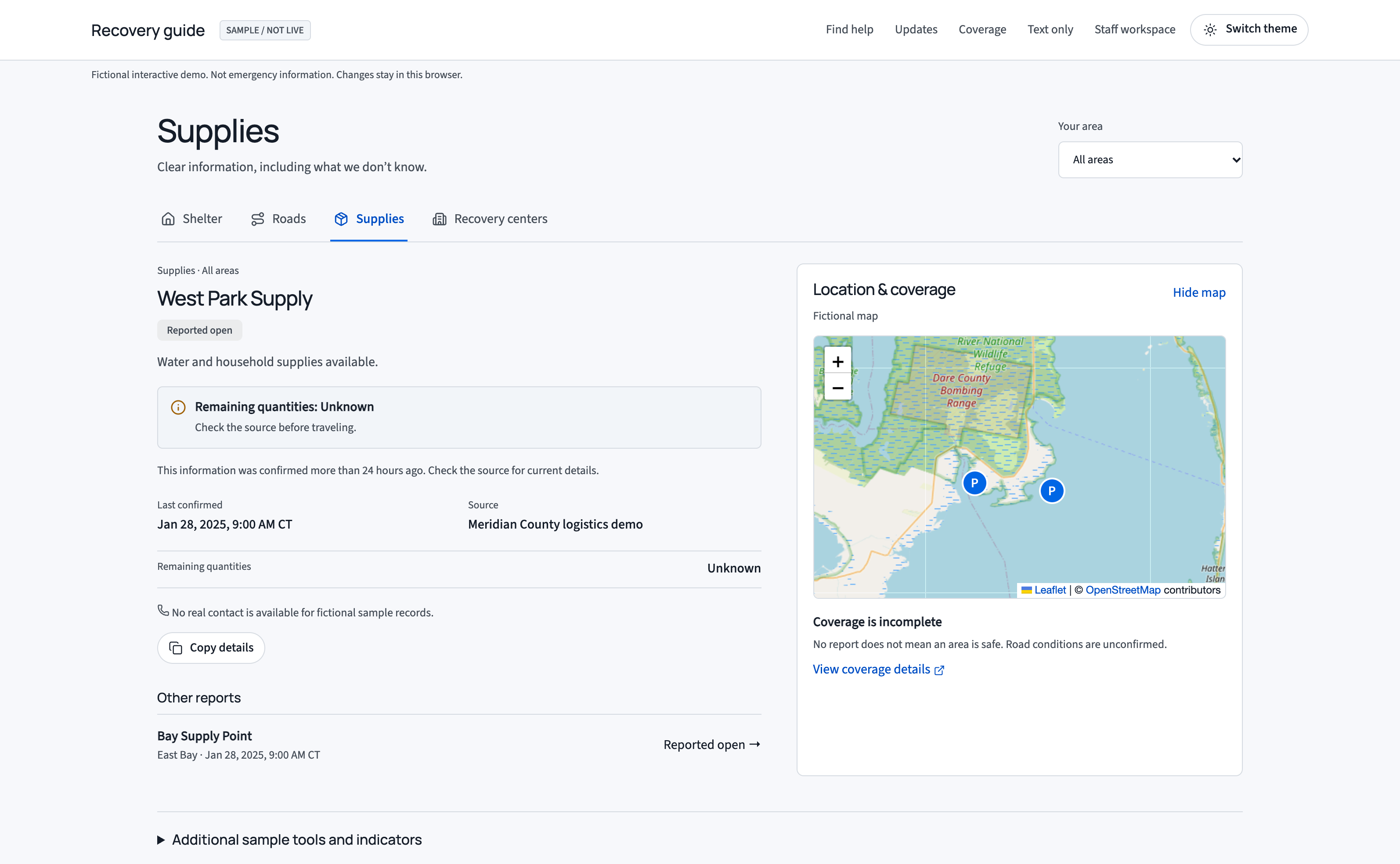
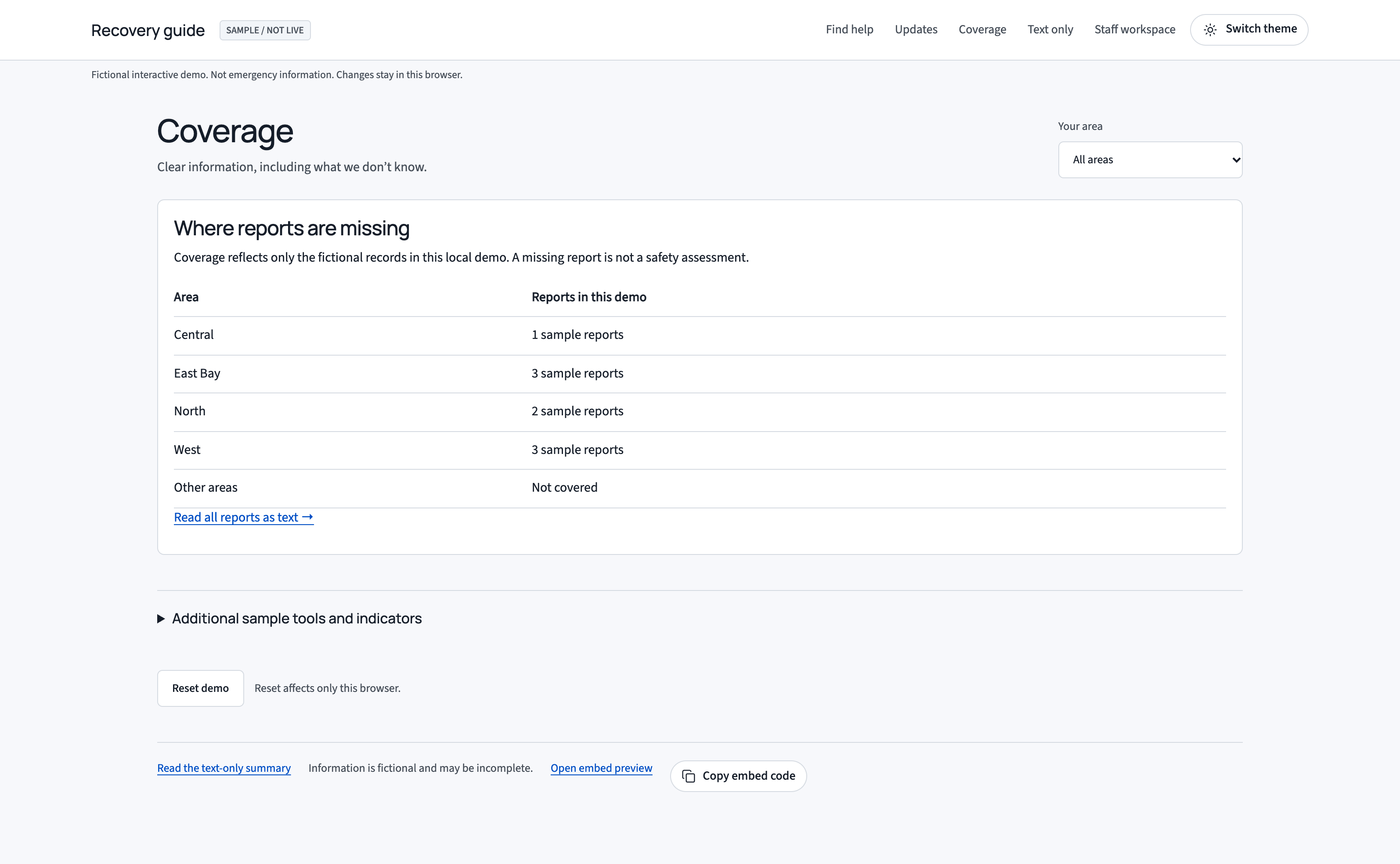
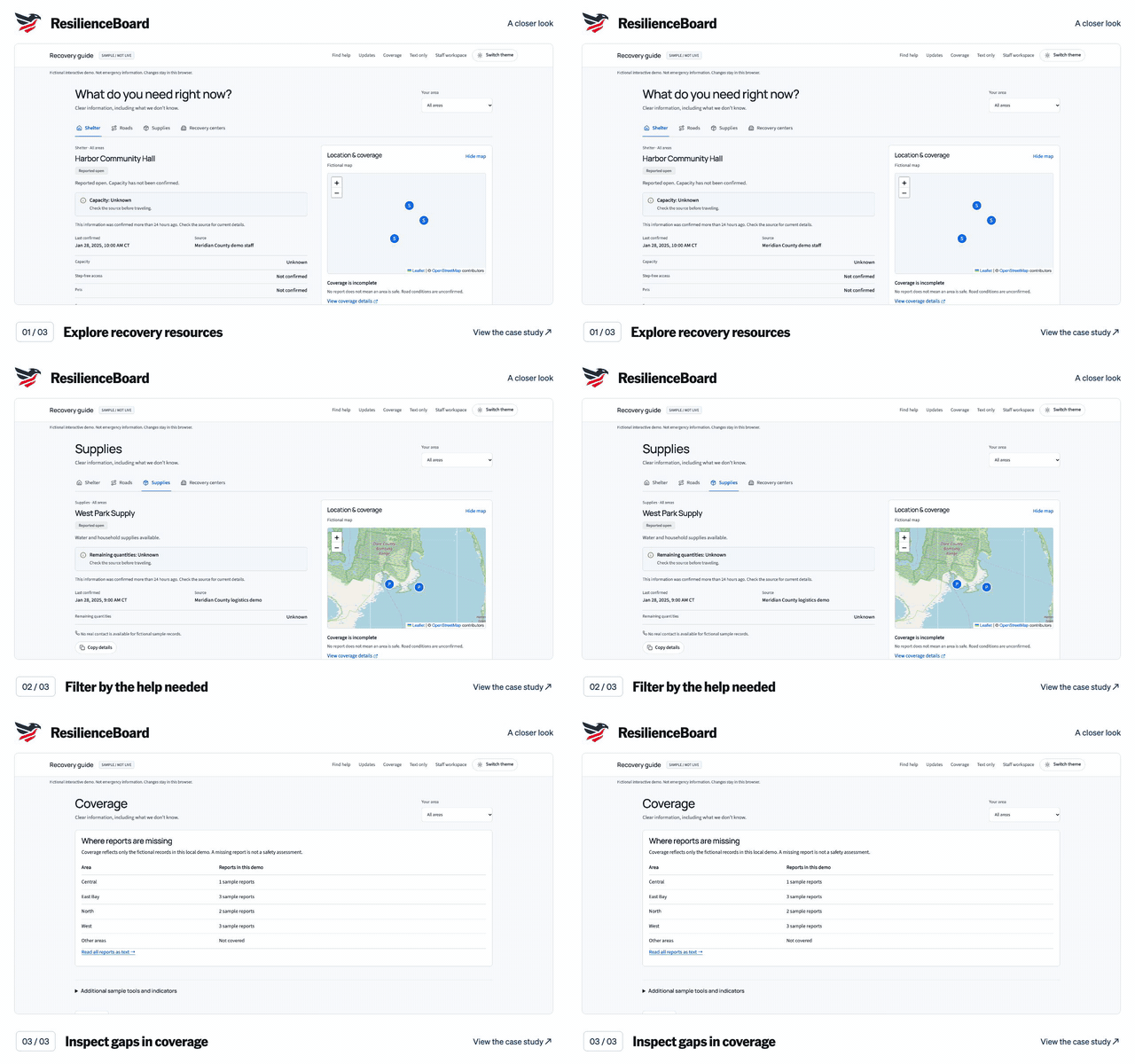
ResilienceBoard screen walkthrough. Explore recovery resources. Filter by the help needed. Inspect gaps in coverage. Silent sequence of captured application screens; the text below describes each view.

Silent video, with no speech or music. English visual descriptions are available in the player and below.
Read the timed visual description
  1. 0:00–0:03 · Explore recovery resources

    View the captured screen for this step
  2. 0:03–0:06 · Filter by the help needed

    View the captured screen for this step
  3. 0:06–0:09 · Inspect gaps in coverage

    View the captured screen for this step

9 seconds · Captured screens

JHRM

Explore the case study

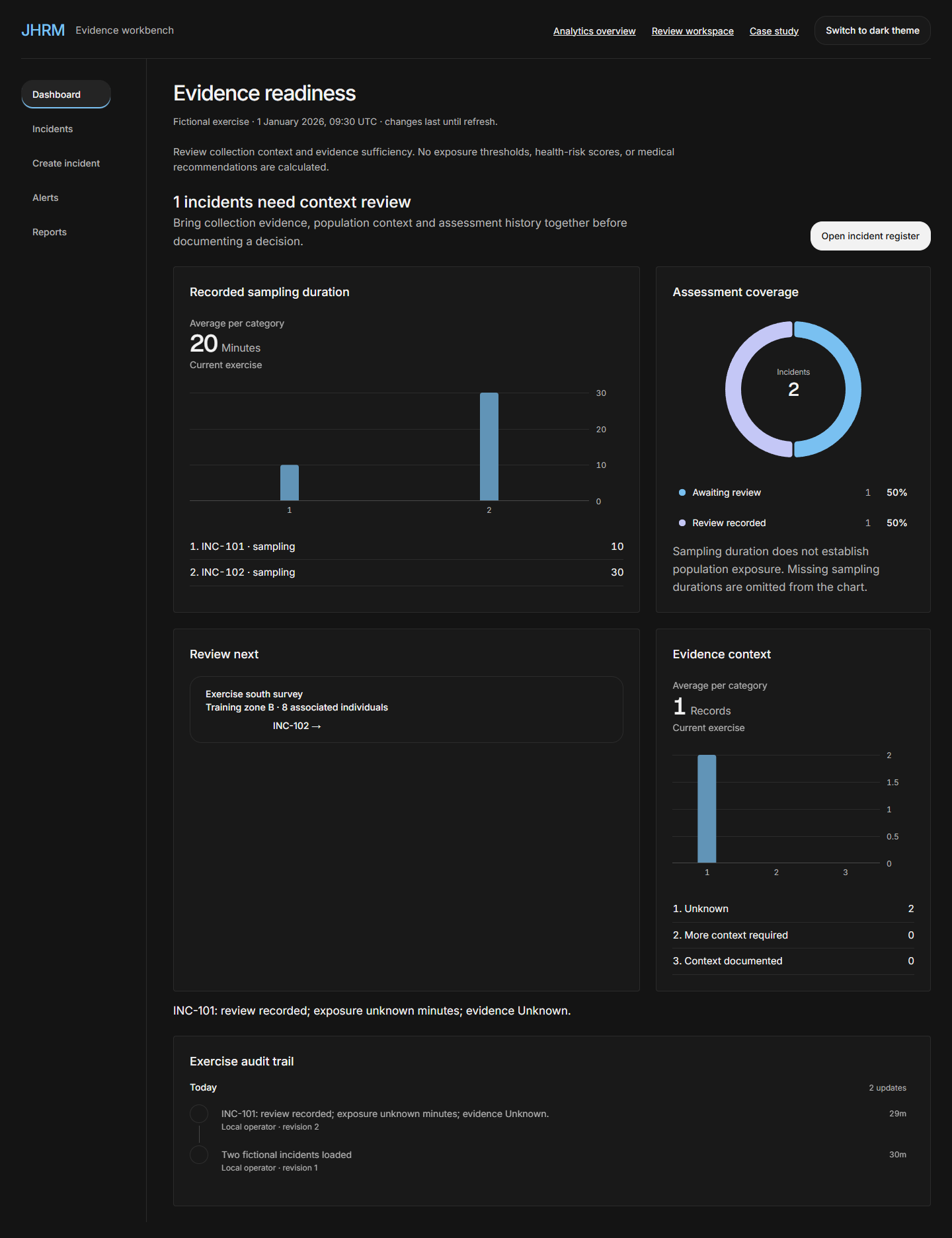
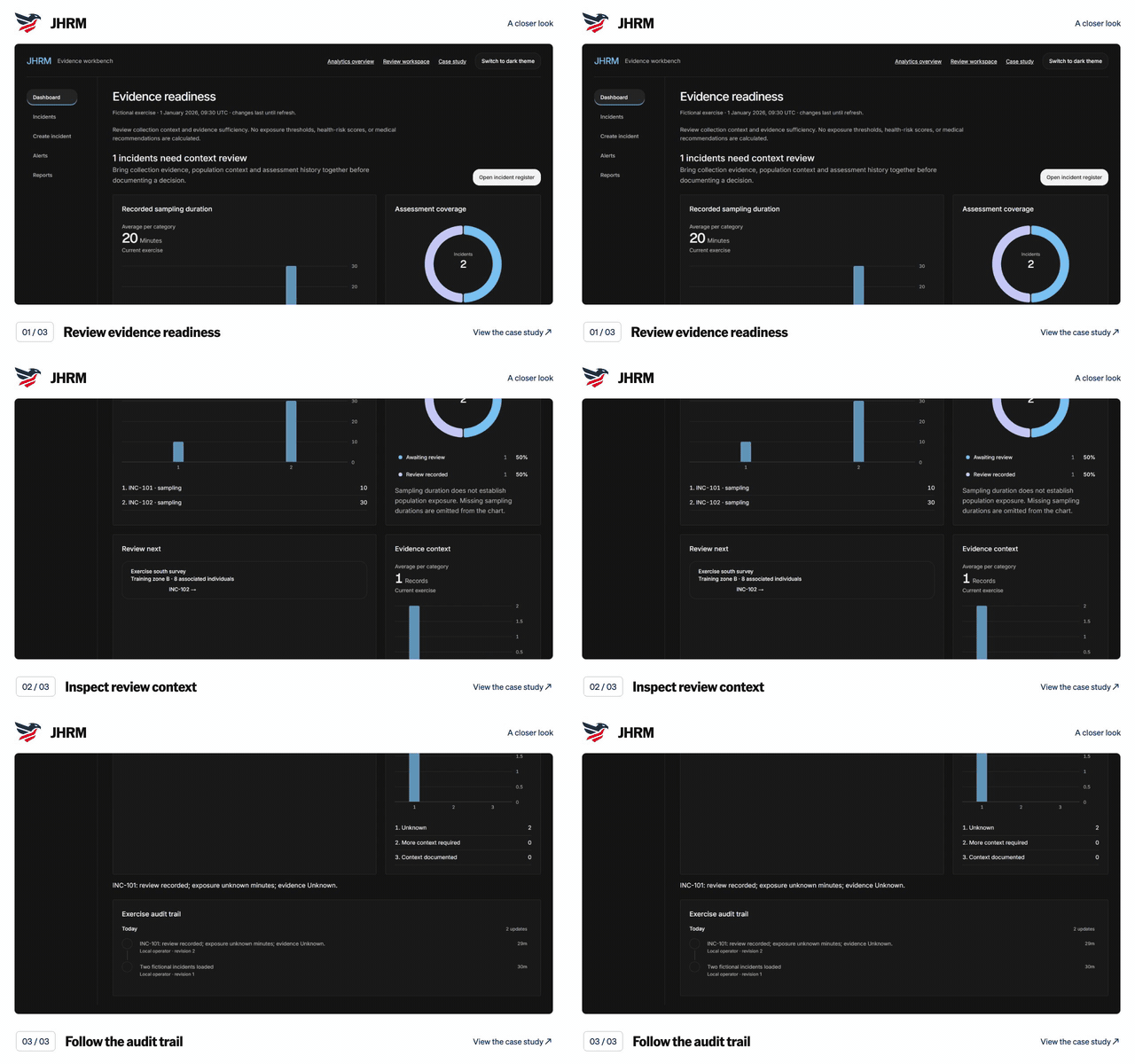
JHRM screen walkthrough. Review evidence readiness. Inspect review context. Follow the audit trail. Silent sequence of captured application screens; the text below describes each view. Three focus views use one captured dashboard; no live state change is implied.

Silent video, with no speech or music. English visual descriptions are available in the player and below.
Read the timed visual description
  1. 0:00–0:03 · Review evidence readiness

    View the captured screen for this step
  2. 0:03–0:06 · Inspect review context

    View the captured screen for this step
  3. 0:06–0:09 · Follow the audit trail

    View the captured screen for this step

9 seconds · Captured screens

BPTS

Explore the case study

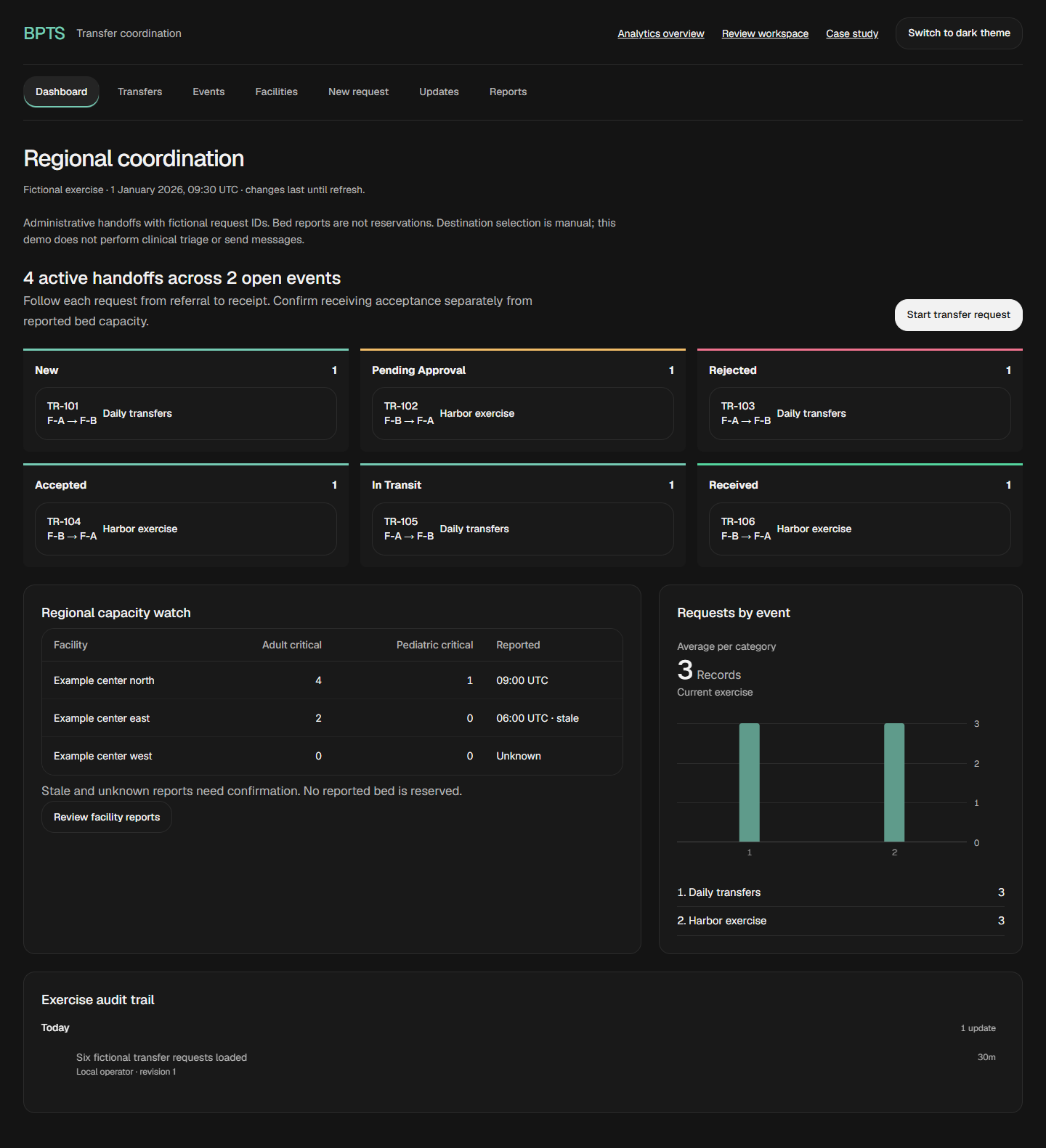
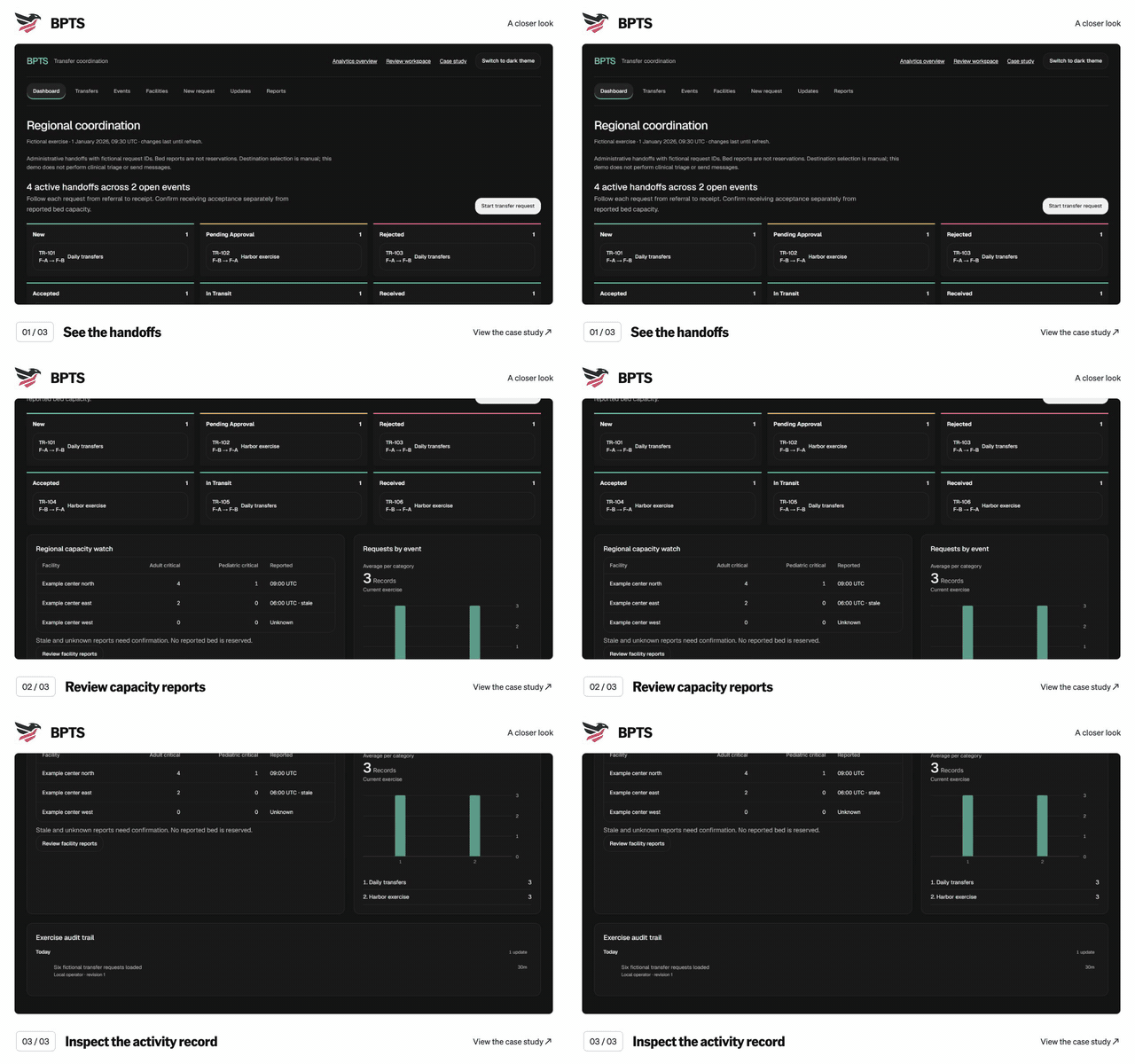
BPTS screen walkthrough. See the handoffs. Review capacity reports. Inspect the activity record. Silent sequence of captured application screens; the text below describes each view. Three focus views use one captured dashboard; no live state change is implied.

Silent video, with no speech or music. English visual descriptions are available in the player and below.
Read the timed visual description
  1. 0:00–0:03 · See the handoffs

    View the captured screen for this step
  2. 0:03–0:06 · Review capacity reports

    View the captured screen for this step
  3. 0:06–0:09 · Inspect the activity record

    View the captured screen for this step

9 seconds · Captured screens

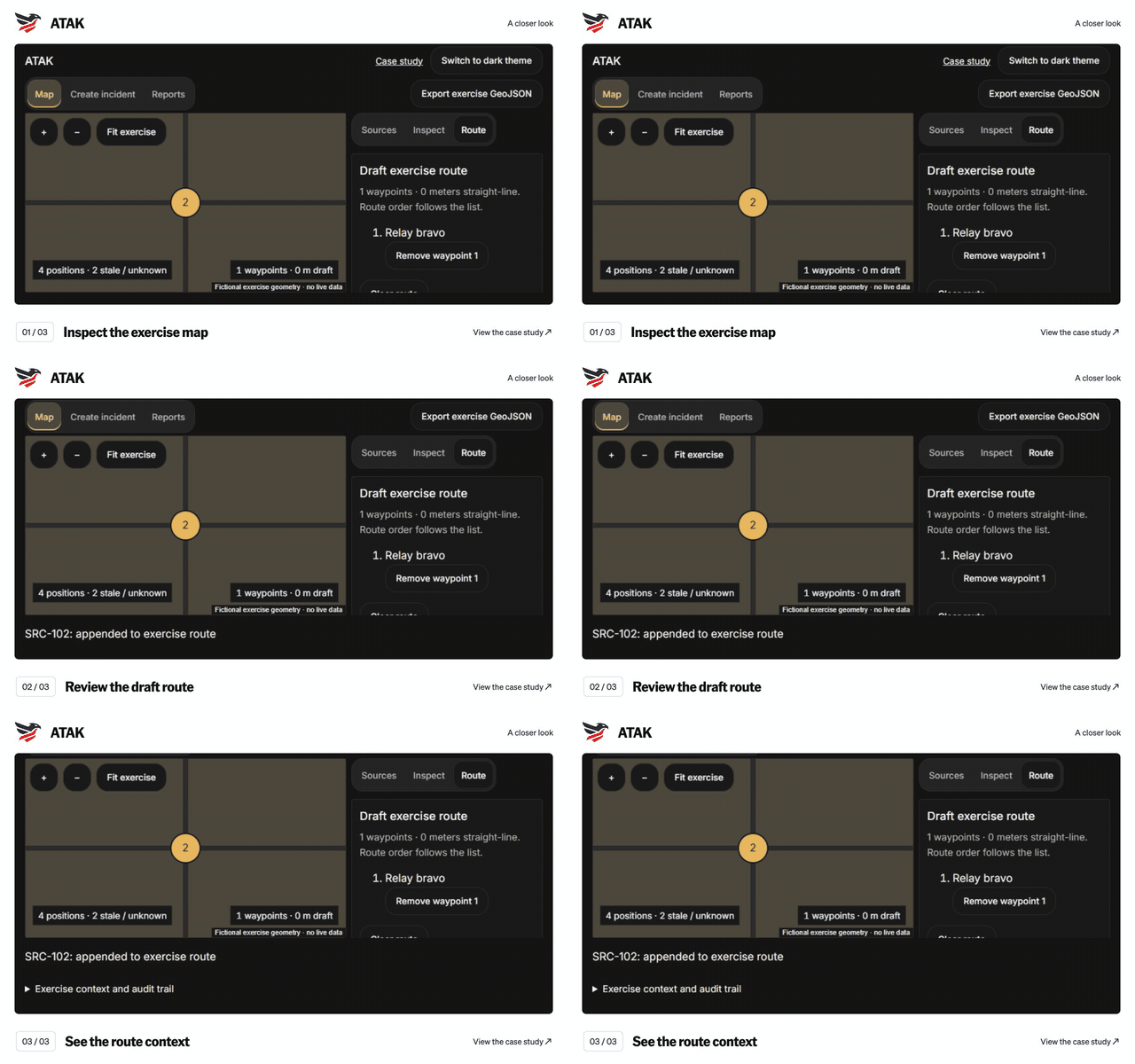
ATAK

Explore the case study

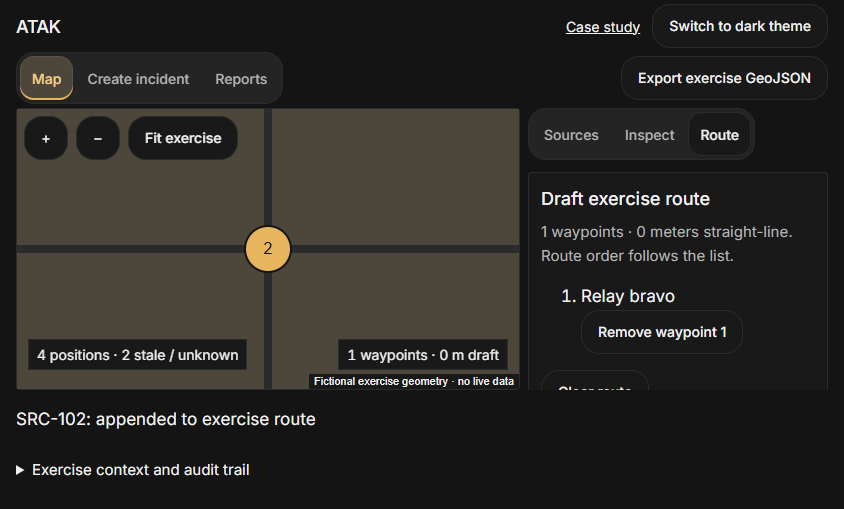
ATAK exercise screen walkthrough. Inspect the exercise map. Review the draft route. See the route context. Three focus views use one captured exercise screen; no live state change, operational data or route validation is implied.

Silent video, with no speech or music. English visual descriptions are available in the player and below.
Read the timed visual description
  1. 0:00–0:03 · Inspect the exercise map

    View the captured screen for this step
  2. 0:03–0:06 · Review the draft route

    View the captured screen for this step
  3. 0:06–0:09 · See the route context

    View the captured screen for this step