
A clearer next step.
Meridian
A resident-services workspace for applications, preparation, and messages.
Open the full live demo ↗ (opens in a new tab)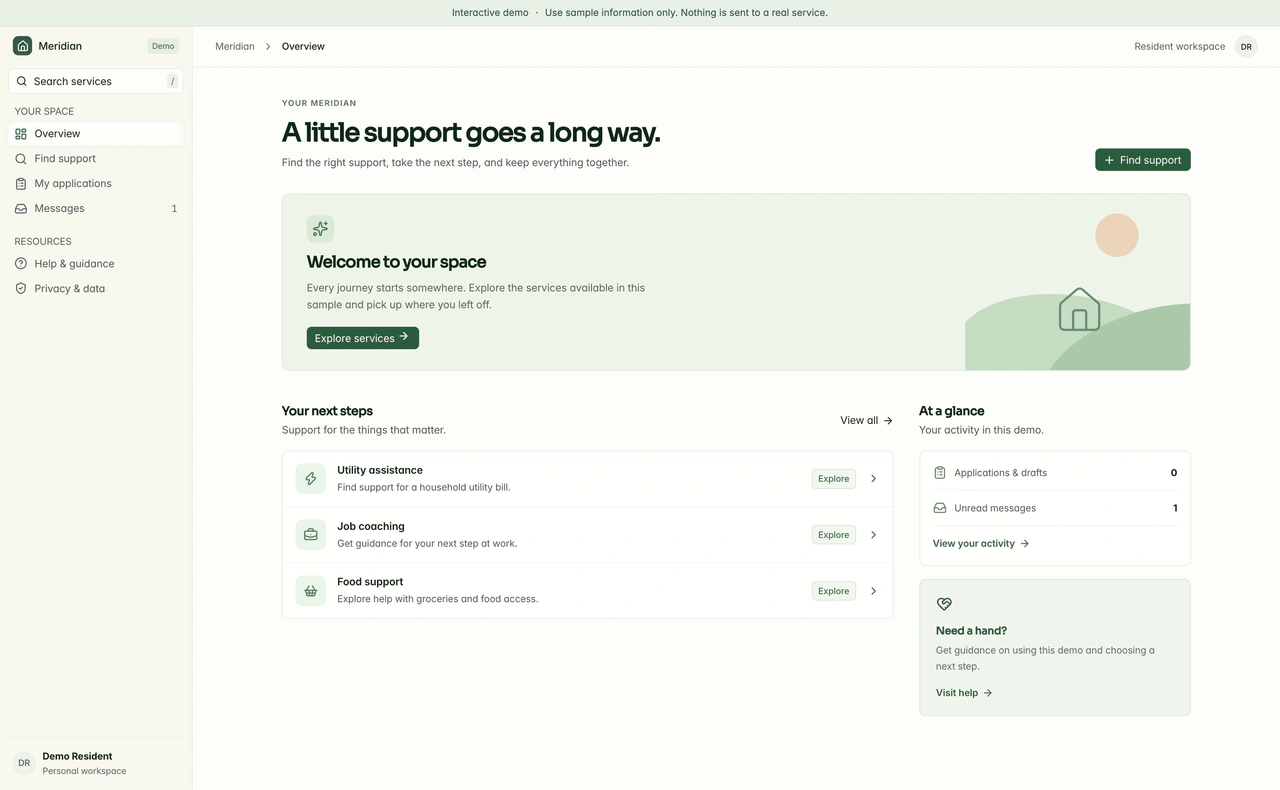
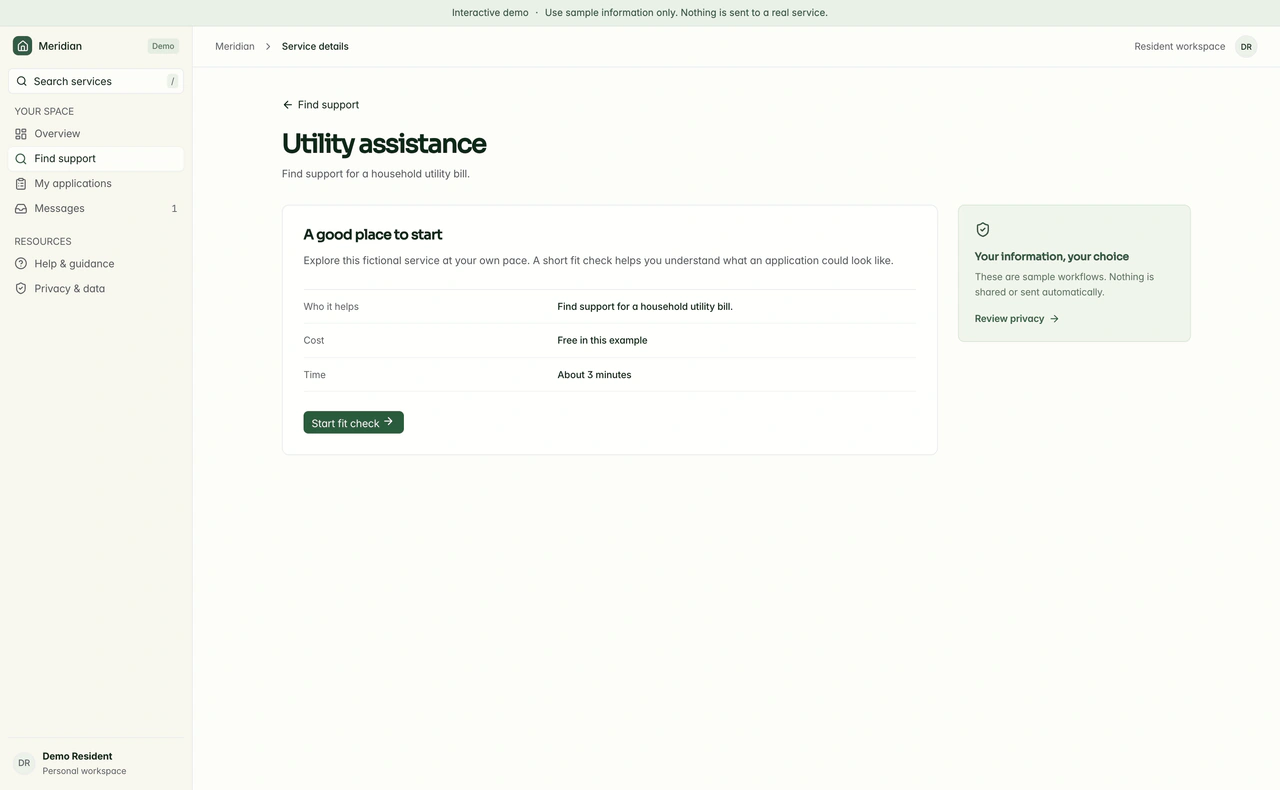
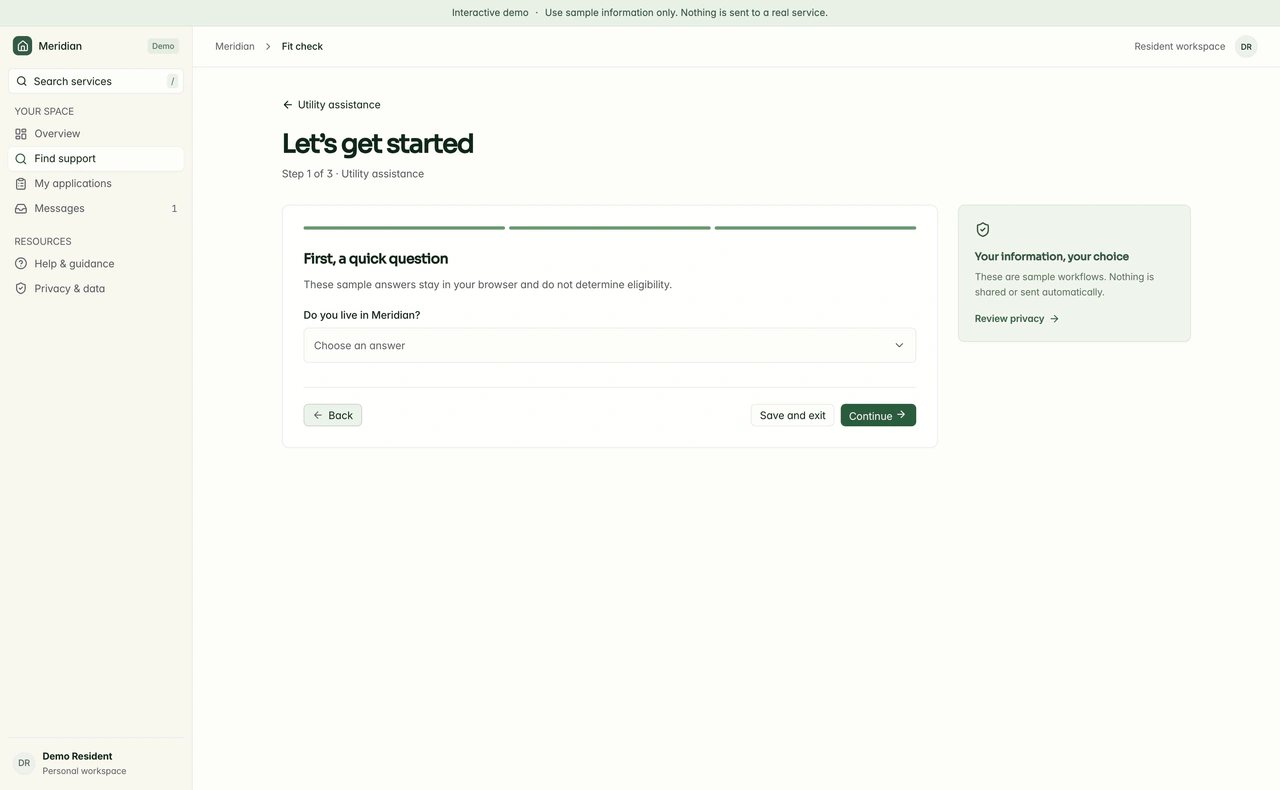
Resident services platform. Browse the screens with the arrows, or play the walkthrough.
A closer look
See the full design.
Explore the desktop and mobile experiences in context. Open a capture to inspect it at full size.
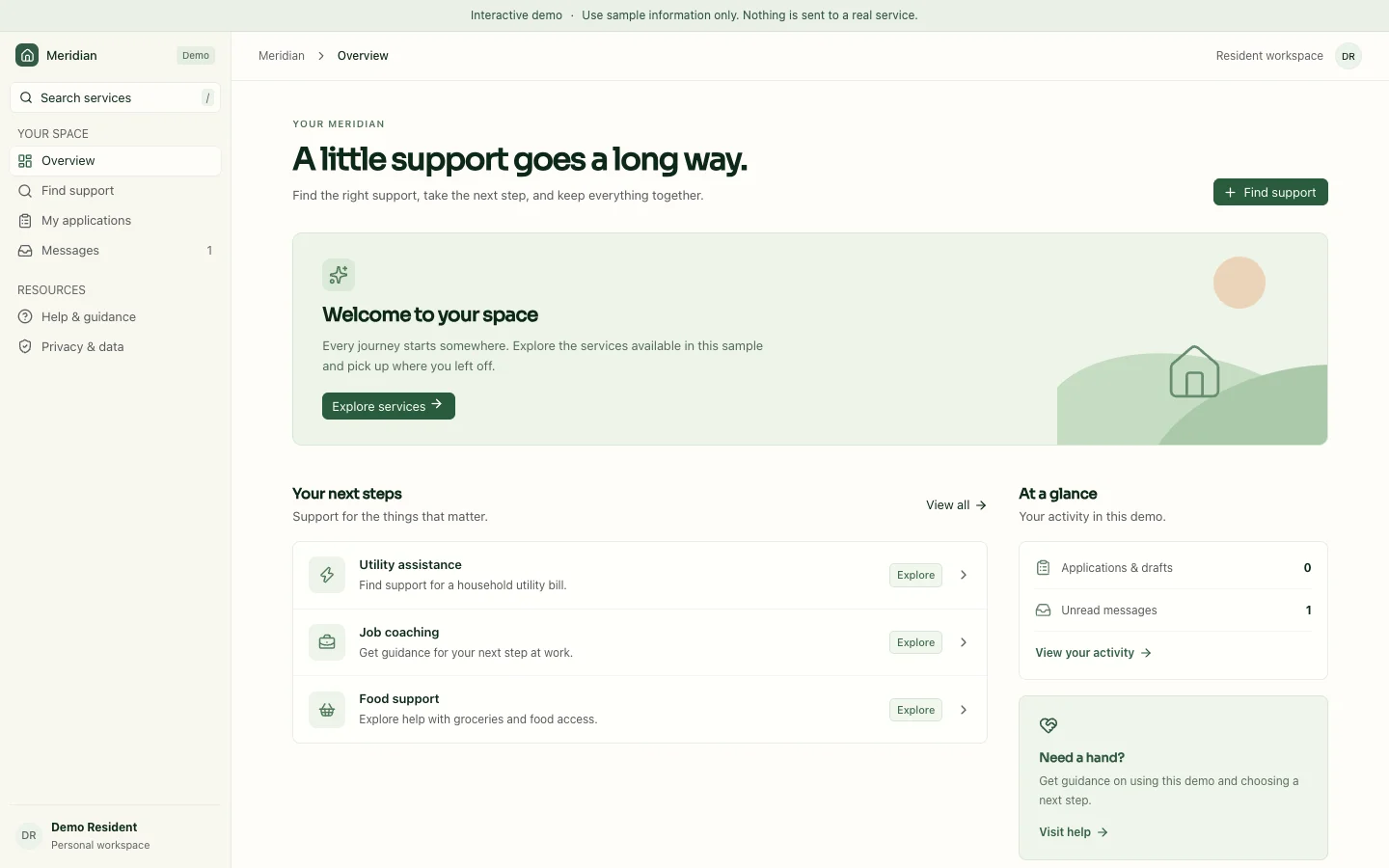
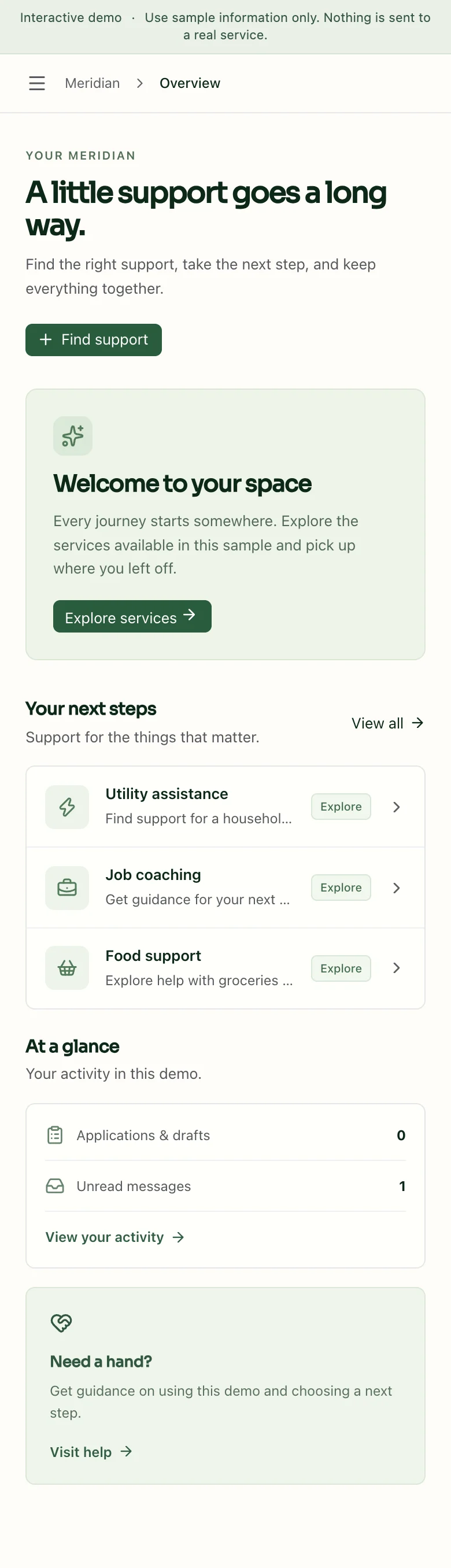
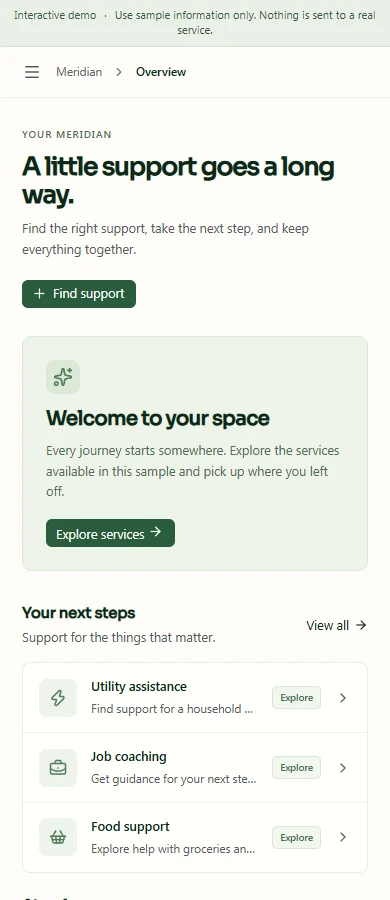
Mobile experience
Resident workspace on a phone.
See how the same experience adapts to a smaller screen.
The problem
An application process can lose people between choosing a service, gathering information, and understanding what happens next.
The approach
Bring the service directory, tailored preparation flows, application states, and messages into one resident workspace.
Try the workflow.
- Choose one of three service paths and inspect its requirements.
- Move through its tailored application steps and review the result.
- Explore messages, privacy settings, and browser-local application states.
Explore the public experience
The public walkthrough uses sample records and browser-local application states. It lets visitors explore service paths without creating an account, making a payment or submitting information to an agency.
See the full experience.
Open the application and explore its workflows.