
Making exposure evidence easier to inspect

Discipline
Mission application design
Experience
Interactive application
Surface
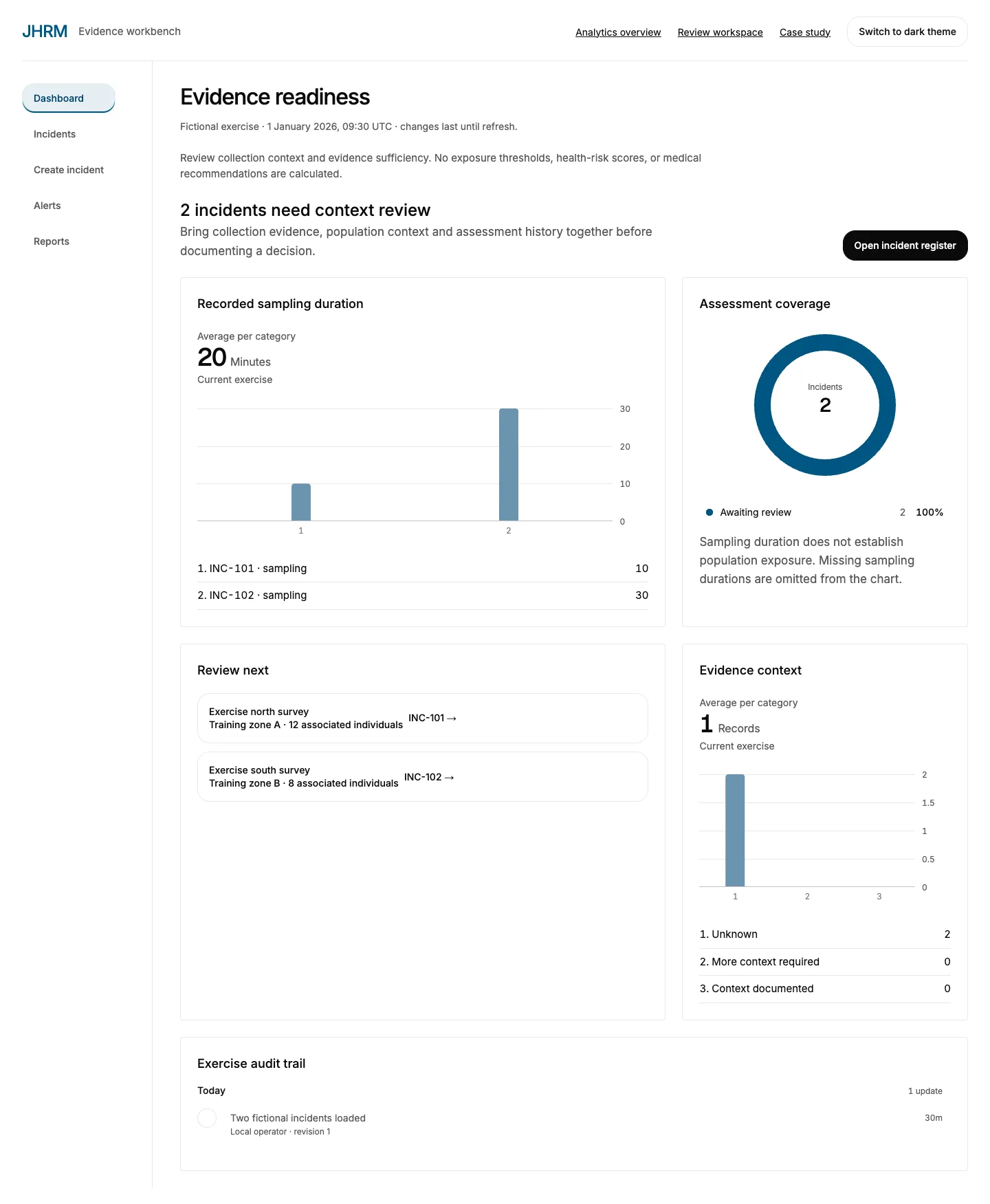
Desktop-first dashboard
A closer look
See the full design.
Explore the desktop and mobile experiences in context. Open a capture to inspect it at full size.
Mobile experience
Exposure review on a phone.
See how the same experience adapts to a smaller screen.

The problem
Reviewers need to connect observations, sampling context and uncertainty before communicating an assessment. A summary should lead back to the evidence that supports it.
The approach
A review workspace brings observation trends, source status and a sortable evidence queue together. It separates missing information from reviewed observations.
- Which observations need review?
- Where is context missing?
- How does the record change over time?
Design and implementation
The original Figma material includes exposure incident reports and proposed acute peak and average tables. The design explores those information relationships without copying operational records.
Each application has a distinct primary workspace. JHRM brings observations, incident records and exposure evidence into a review dashboard. BPTS connects transfer requests with reported facility capacity, receiving acknowledgments and coordination history. ATAK brings sources, incidents and editable routes into a mobile landscape map.
Charts and review queues stay connected. Operators can inspect source times, move through the workflow, review history and export exercise records. The public ATAK walkthrough is a web application, separate from the native Android application and TAK plugins.
Public walkthrough
The public walkthrough uses exercise observations. It does not connect to sensor feeds or provide health-risk calculations or medical advice.