
Public service,
made clearer.
A resident-first approach to the county clerk’s office.
When someone needs a record or has a filing question, the first hurdle is often knowing where to begin. Alder County explores a more direct path from a resident’s question to a useful next step.
Service design • Interface design • Application development
Explore the interactive demo (opens in a new tab)ALDER COUNTY / RESIDENT SERVICES
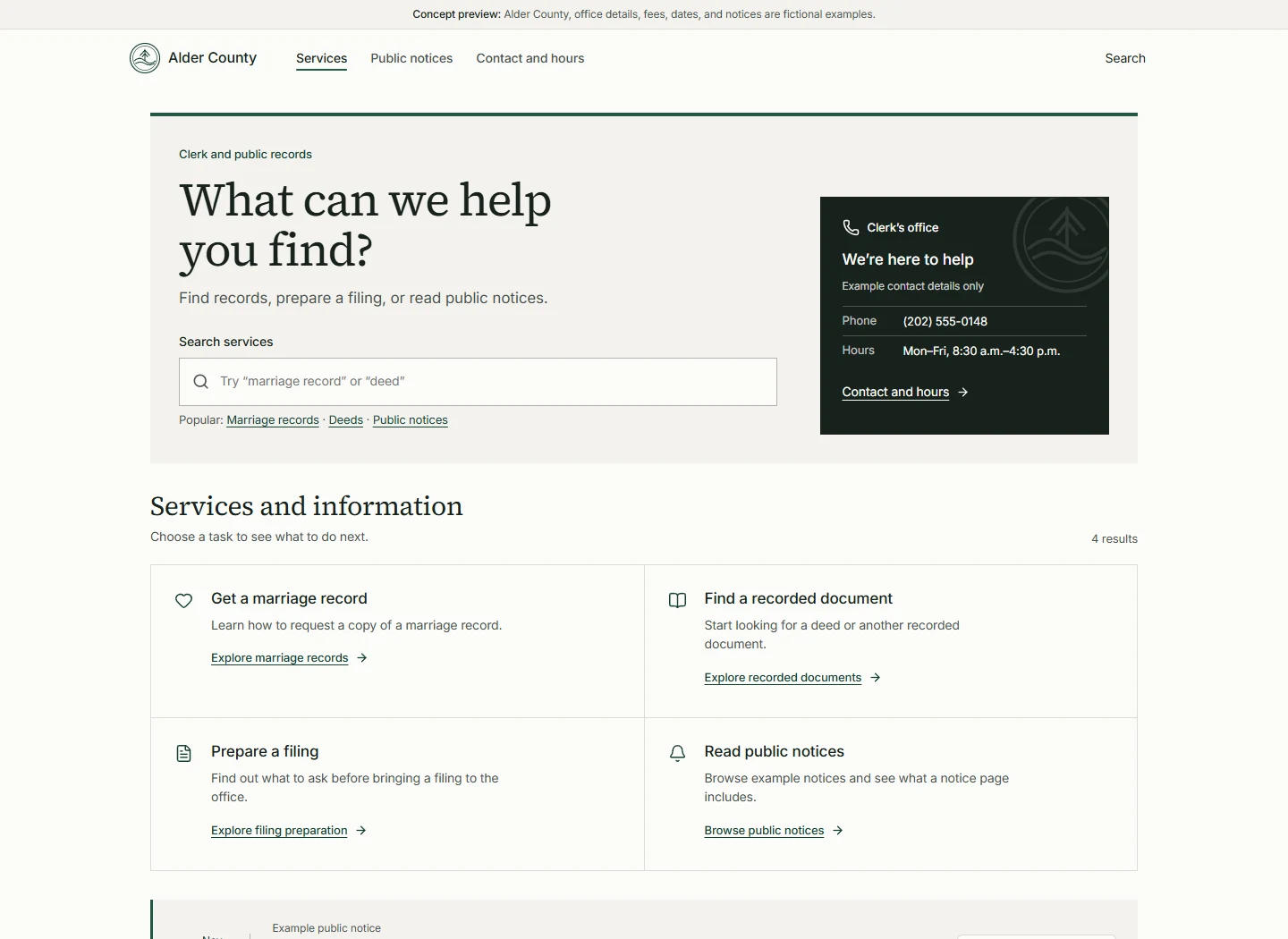
A practical place to start.
A closer look
See the full design.
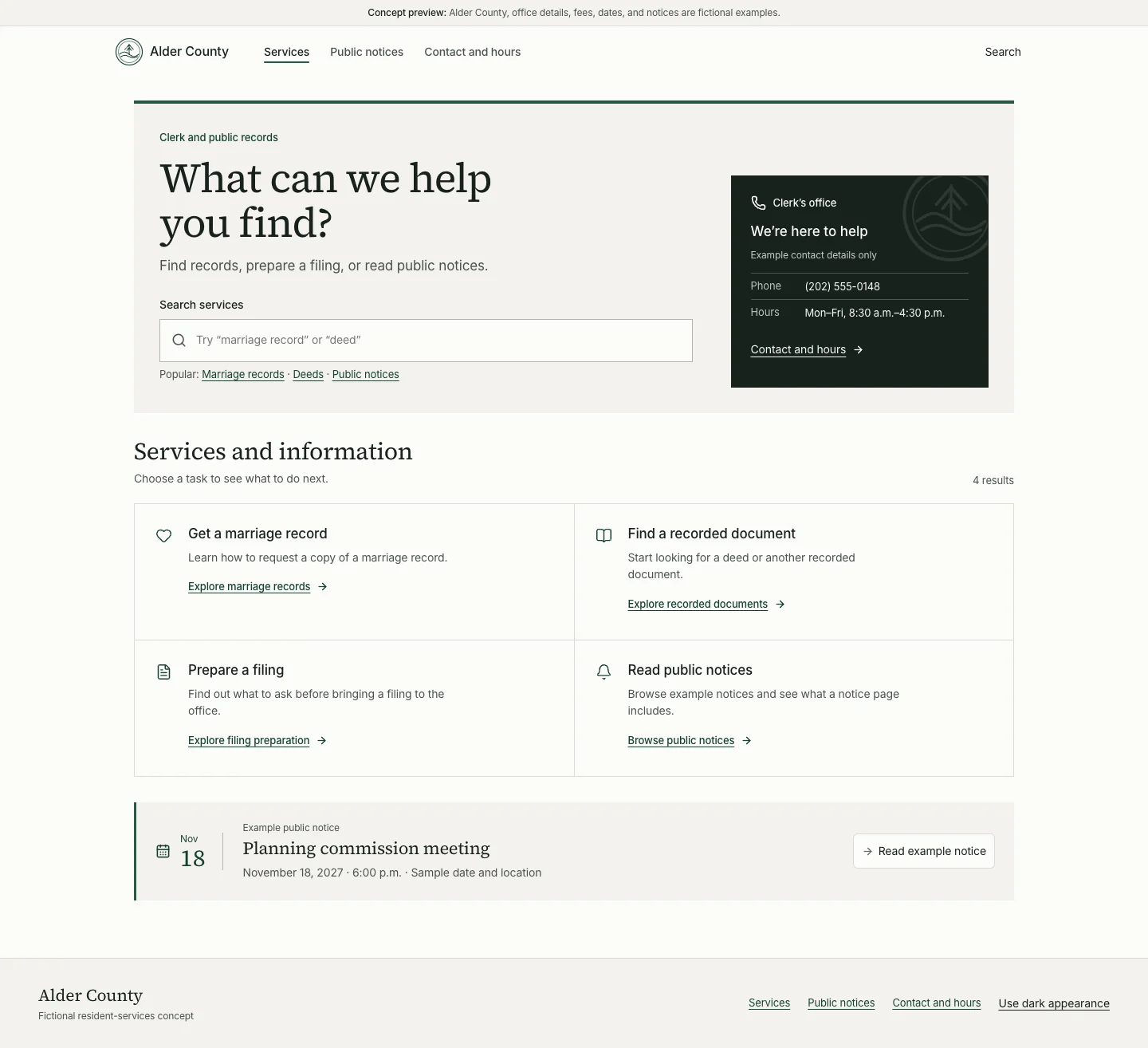
Explore the desktop and mobile experiences in context. Open a capture to inspect it at full size.
Mobile experience
Resident services on a phone.
See how the same experience adapts to a smaller screen.

The challenge
Start with what
people came to do.
Residents should not have to understand an office’s internal structure before they can ask for help. The experience puts common tasks, readable explanations, and an alternative way to contact the office in the same view.
It focuses on marriage records, recorded documents, filing preparation, and public notices — with clear signals about what the experience can and cannot do.
The resident journey
From a question
to a plan.
The same service structure adapts to a desktop or a phone, keeping the next decision in view.
- 01
Find the right service
Search or browse task-focused descriptions, then see what the service involves and what to gather.
- 02
Work through the details
Optional questions and a choice of how to contact the office lead to an editable review. Uncertainty is an available answer.
- 03
Leave with a checklist
A printable preparation list brings together the resident’s notes and questions to confirm with the clerk. It is not an application or an official form.
The public record
Make the details
easy to find.
The example notice directory offers topic filters and a detail page with space for a meeting’s time, place, participation instructions, and contact. The details stay connected to their source and next action.
Contact, hours, language assistance and accessibility information stay close to the service, so people can find the right way to get help.
The public walkthrough
Prepare with
a clearer next step.
Nothing is submitted and no database is used. Checklist answers stay in the open page and are lost on refresh or when another checklist starts. Use sample information only.
The preparation flow keeps notes and questions together in a printable checklist. Visitors can review the service path and confirm requirements with the clerk’s office.
See it for yourself
Explore a clearer
way to begin.
Explore the resident experience on desktop or mobile.