
Coordinating a complex transfer picture

Discipline
Mission application design
Experience
Interactive application
Surface
Desktop-first dashboard
A closer look
See the full design.
Explore the desktop and mobile experiences in context. Open a capture to inspect it at full size.
Mobile experience
Transfer coordination on a phone.
See how the same experience adapts to a smaller screen.

The problem
Coordinators need a shared view of transfer requests and facility capacity while clinicians retain responsibility for patient-level decisions.
The approach
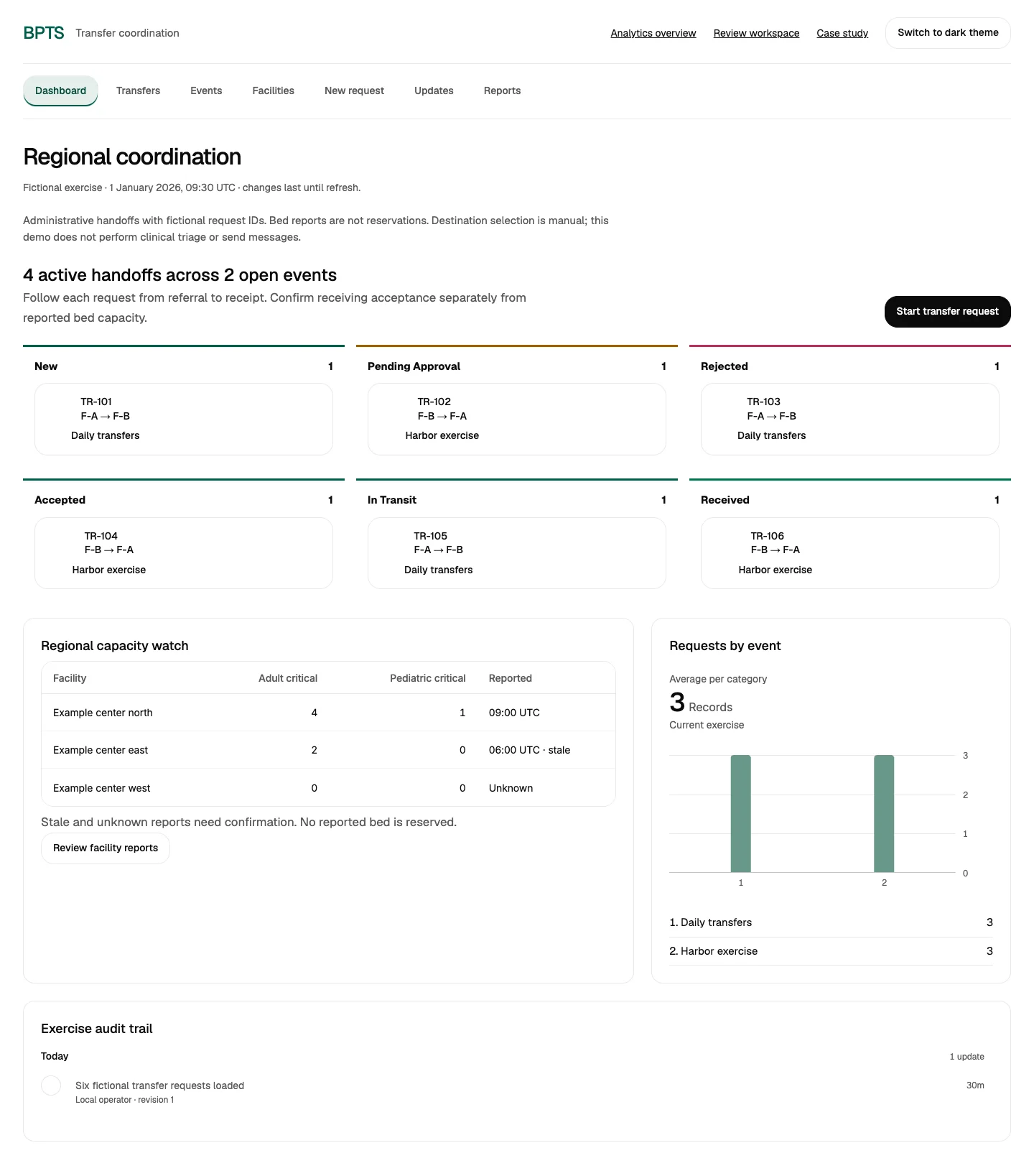
A coordination workspace groups requests by stage and shows reported capacity with its source context. It makes unresolved handoffs visible rather than automatically assigning destinations.
- Which requests need coordination?
- What capacity has been reported?
- Where are handoffs waiting?
Design and implementation
The Figma requirements describe triage and transfer, facility contacts, bed availability, physician-to-physician transfers, centralized coordination and reporting.
Each application has a distinct primary workspace. JHRM brings observations, incident records and exposure evidence into a review dashboard. BPTS connects transfer requests with reported facility capacity, receiving acknowledgments and coordination history. ATAK brings sources, incidents and editable routes into a mobile landscape map.
Charts and review queues stay connected. Operators can inspect source times, move through the workflow, review history and export exercise records. The public ATAK walkthrough is a web application, separate from the native Android application and TAK plugins.
Public walkthrough
The public walkthrough uses exercise records, without patient data or live bed availability. Clinical triage, transfer decisions and clinical communications remain with authorized care teams.